The CBS News "watch experience" was a catch-all term used to describe the video/live features of its website and apps, which hosted a combination of live streams and video-on-demand clips. This case study covers a few projects I worked on, large and small, related to the CBS News watch experience on its OTT apps. See also my contributions to the Web and iOS watch experiences.
In this case study:
- Original App: Header Refinement
- App Redesign: Introduction & Context
- App Redesign: Exploration
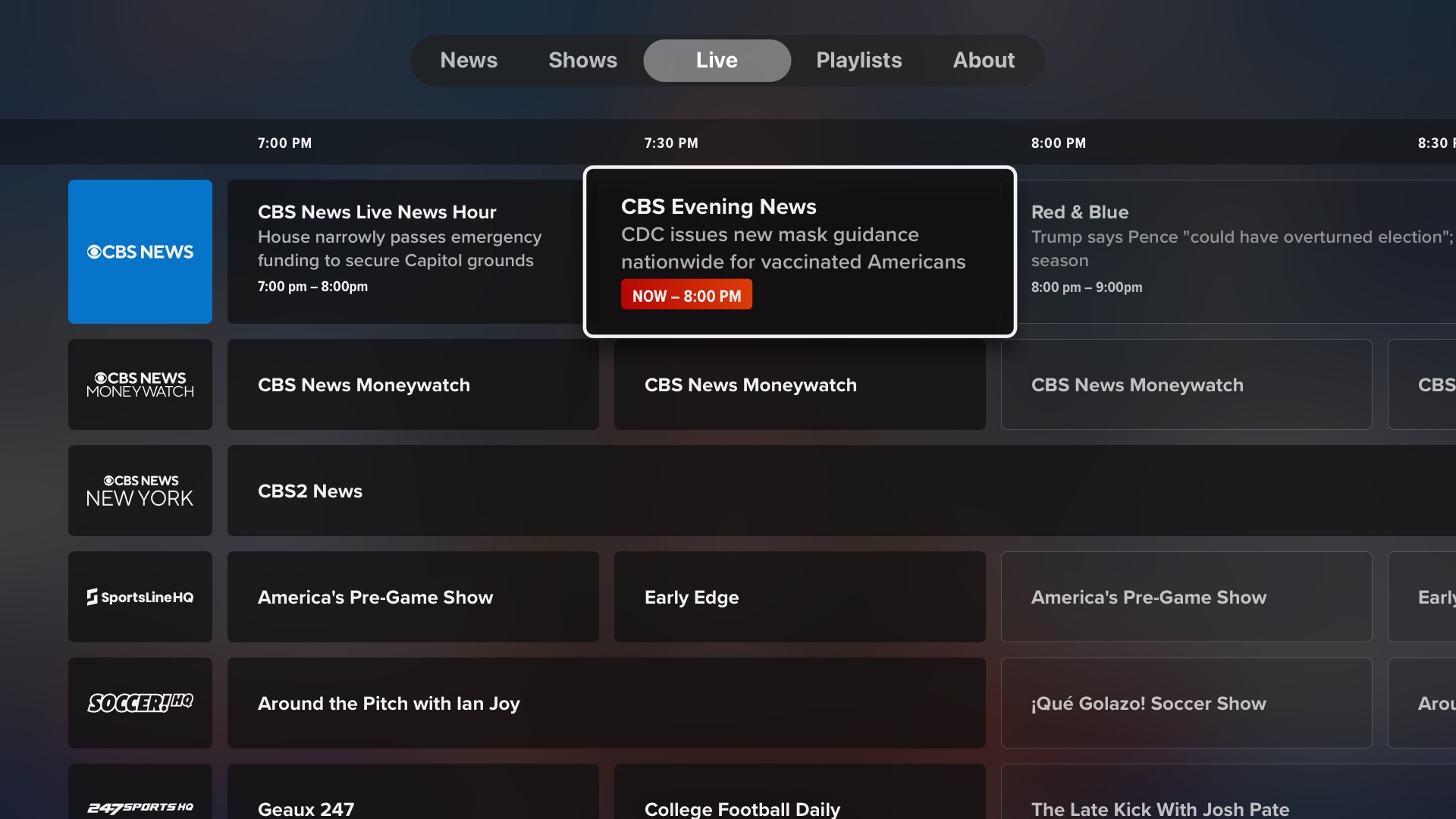
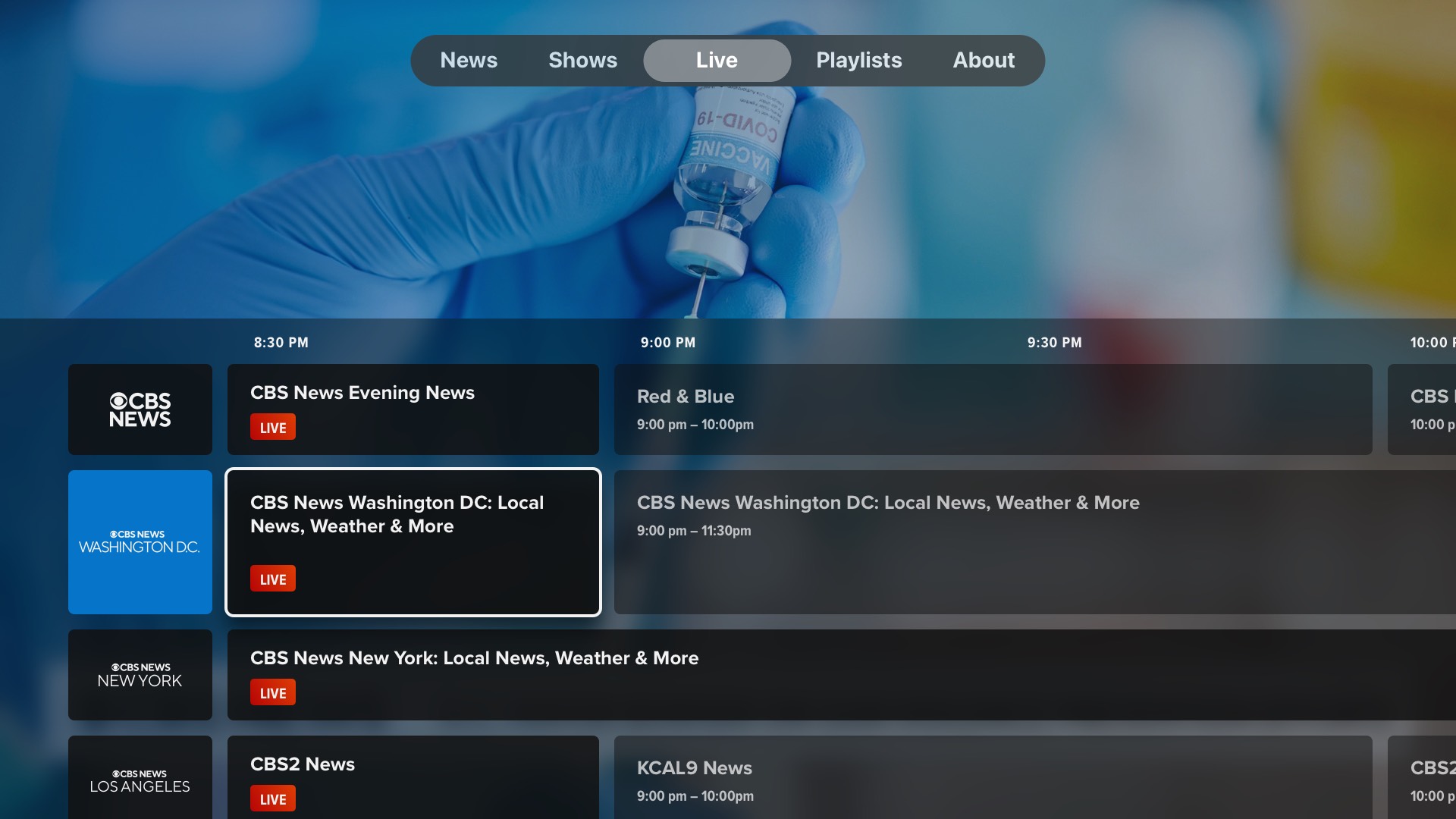
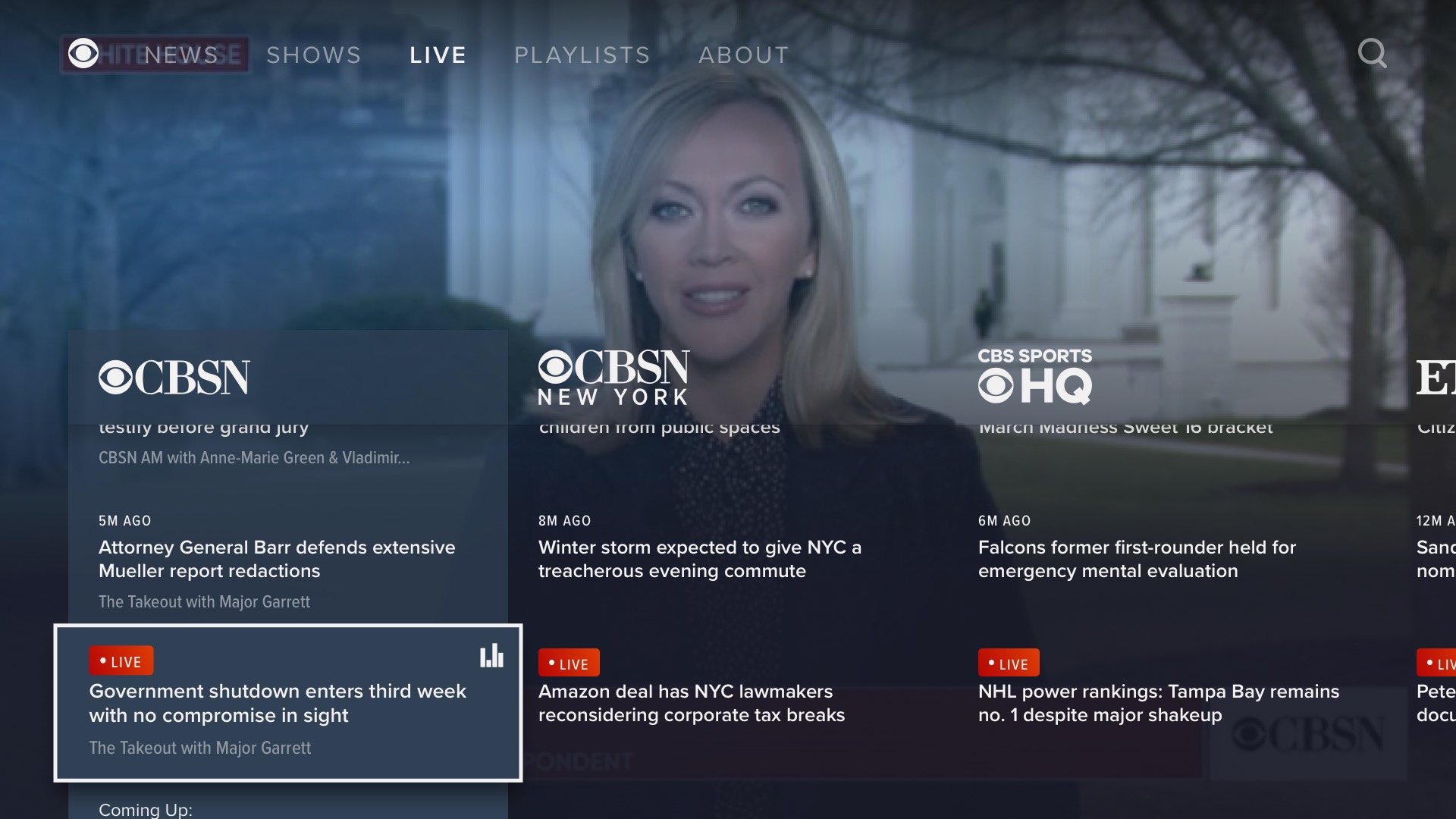
- App Redesign: Live EPG
- App Redesign: Final Mocks & Prototypes
- App Redesign: Unused Pushback Concept
- Video Push Alerts
Original App: Header Refinement Case Study
One of the first OTT app-related projects I worked on was a refinement to original app, to which I had not previously contributed. Static mocks couldn't do the job, so I built an interactive prototype, shown in the screen recording below. Headers such as "Shows" and "Latest" would appear in a floating roundrect when navigating up and down using the remote.
App Redesign: Introduction & Context Case Study
Circa 2019, I was the designer for a substantial redesign and relaunch of the OTT apps. This was a long and difficult process, for a number of reasons. For one, CBS News had apps on almost every available platform (tvOS, Roku, Amazon Fire, Xbox, etc.), all with varying technical constraints. For another, the Product person in charge of the project had a strong vision that the Creative Director did not believe in, and I was in the middle.
The Product vision was to move away from the existing app model of a full-screen interface presenting an array of available livestreams, VOD segments, and playlists, of which the user dips in and out. Instead, the new app would always be playing something, with the national live feed autoplaying immediately on launch. The interface would only cover approximately half the screen at any given time, and any selected content would replace the stream. Also explored but cut due to platform restrictions was the ability to play multiple feeds at once.
I would describe my role for this particular project as being far more UX than UI. I began the project working in "aspirational wireframes", meaning real content in a loosely designed state, so as to quickly explore and evaluate features and functionality.
I think my colleagues may have gotten tired of me being the most vocal advocate for certain principles of TV design that I felt more strongly about than anyone else in the room. I should have printed some of these out as signs I could hold up during meetings:
- Only one single onscreen item is always focused. No exceptions.
- The focused item should be visibly apparent at first glance.
- Every item that may be focused must have an action associated with it, either triggered by coming into focus or being selected.
- Obey vendors' defined safe areas.
App Redesign: Exploration Case Study
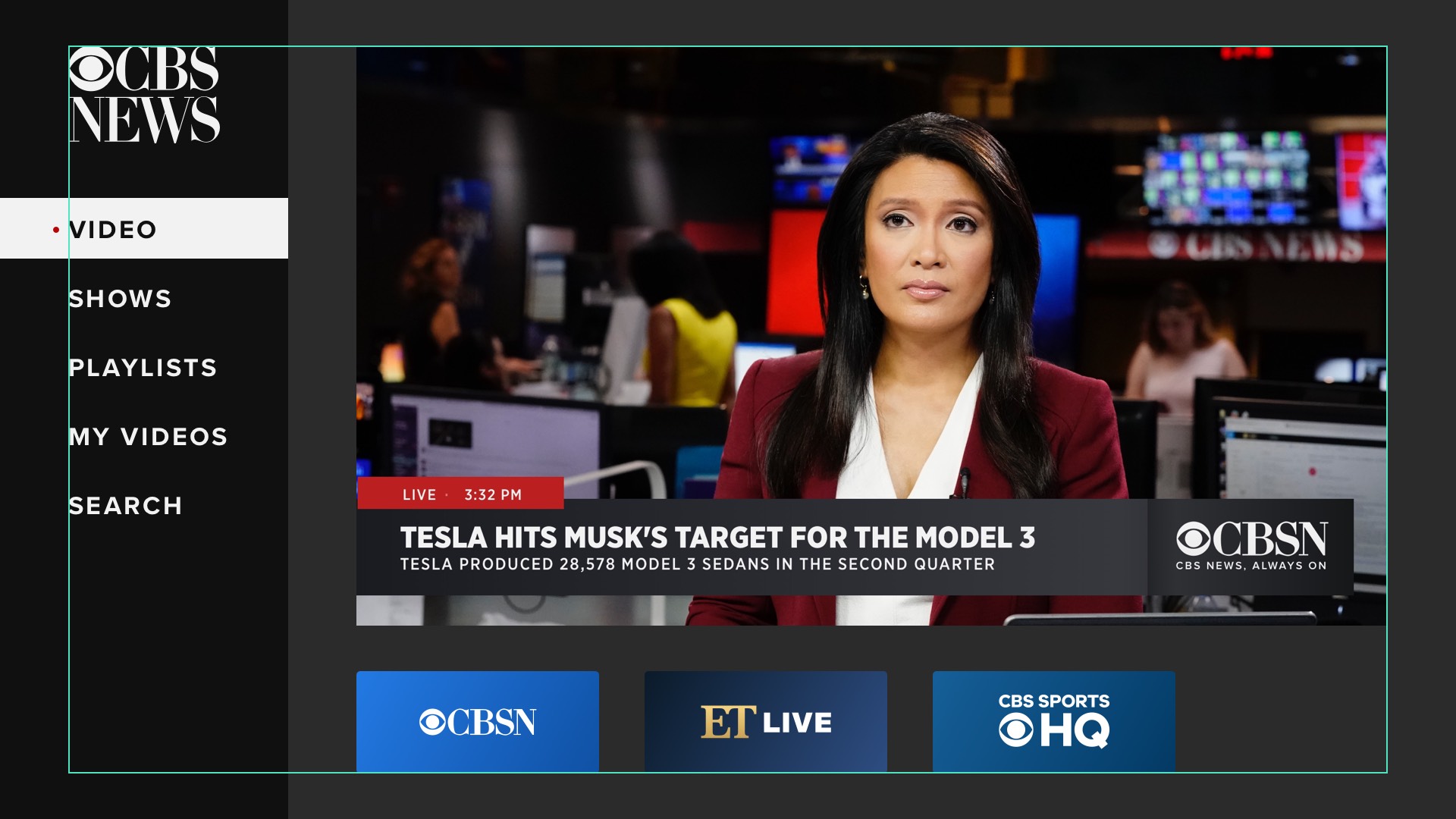
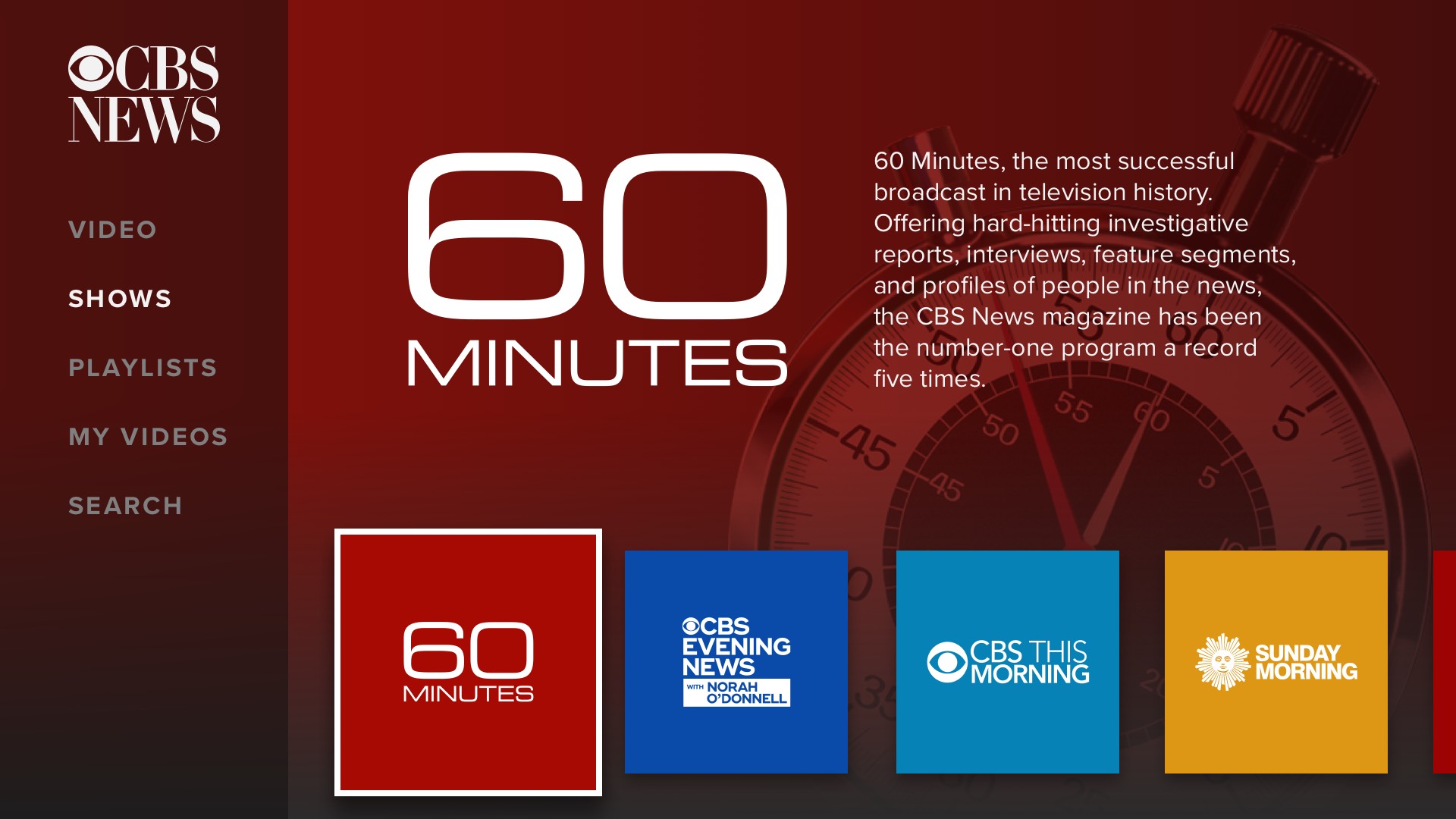
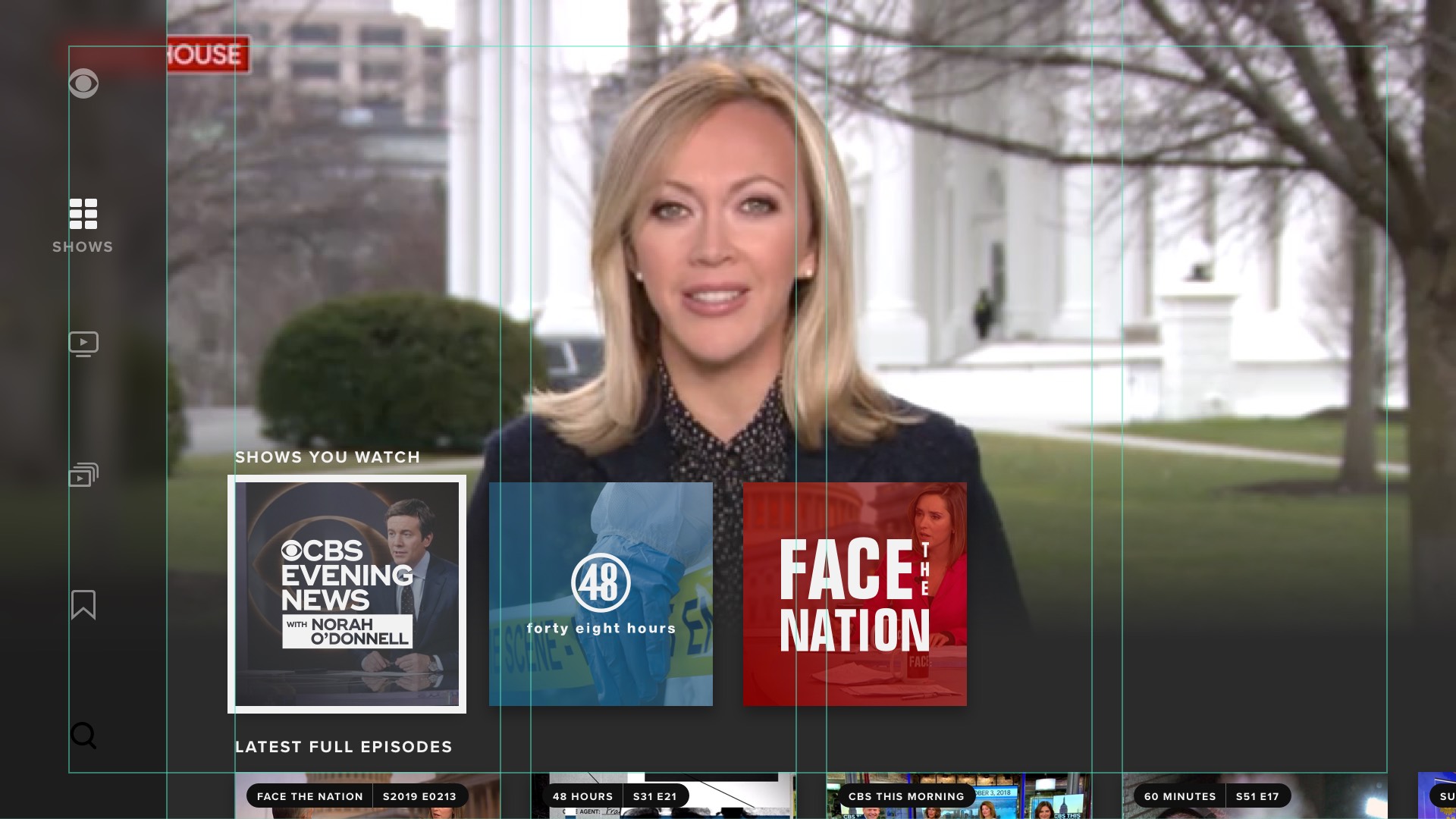
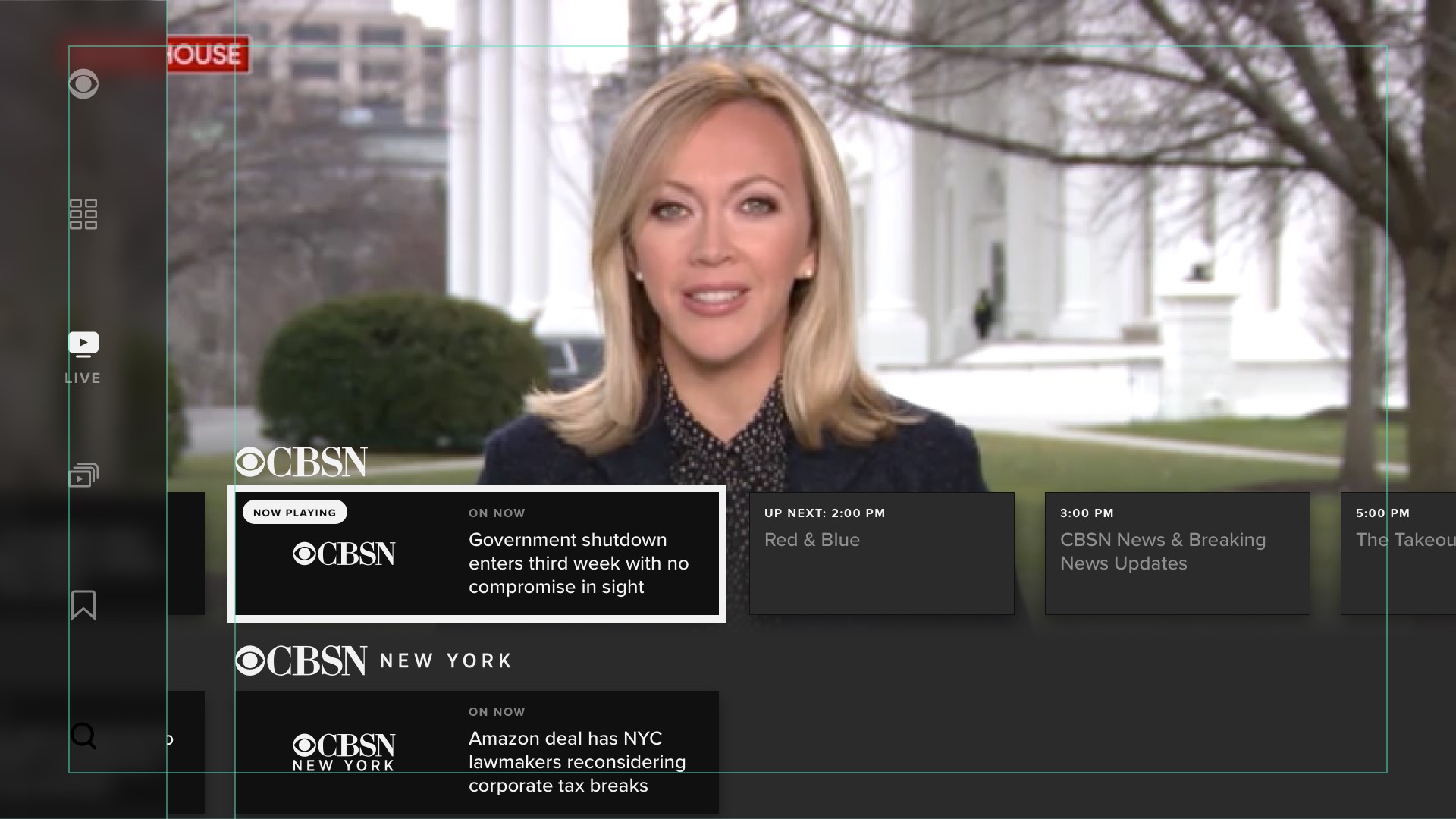
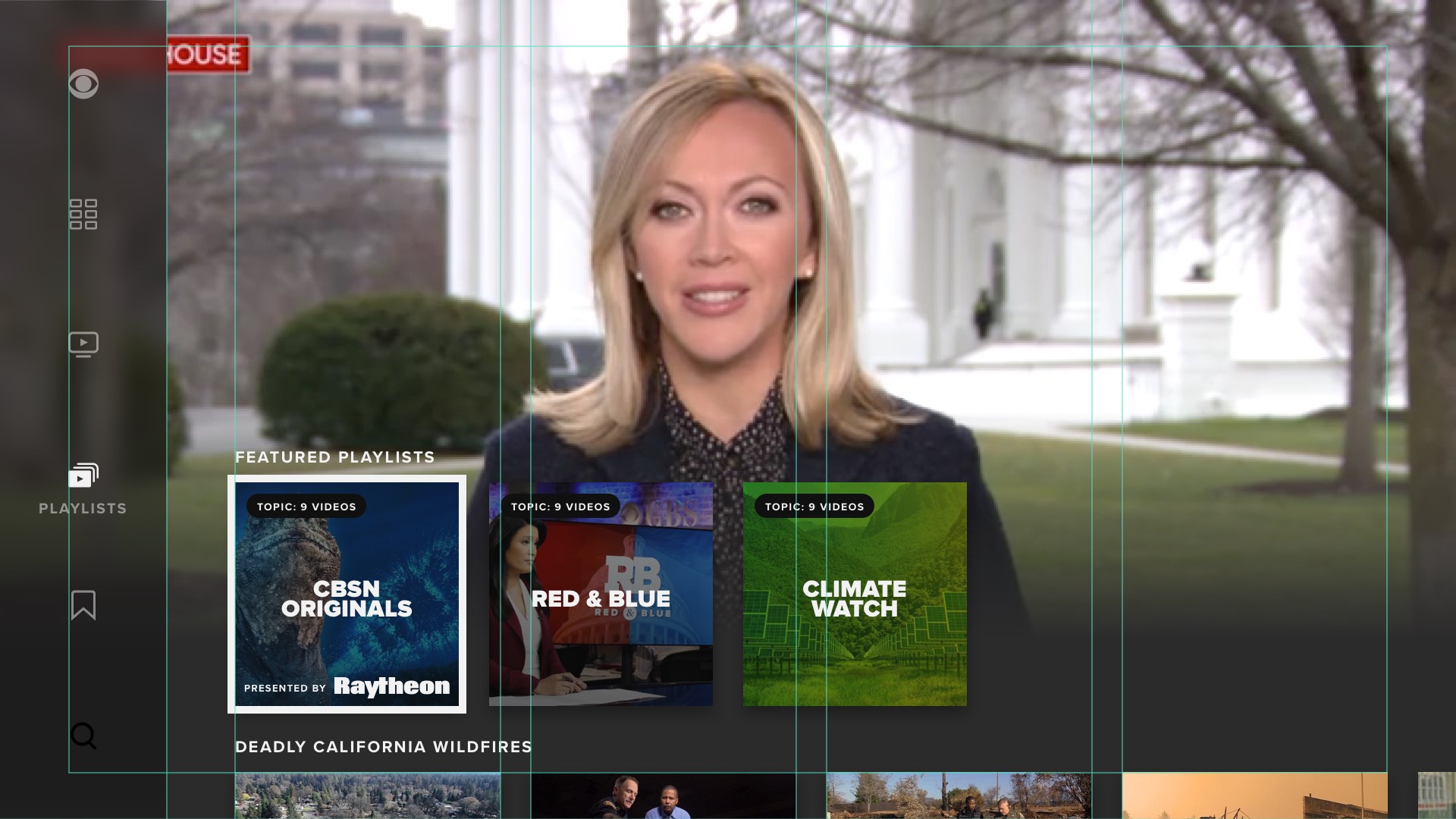
Below are screenshots from the second design iteration, during this early phase. This version is pretty far from the finished version; most notably, it lacks the persistently playing fullscreen video feed.
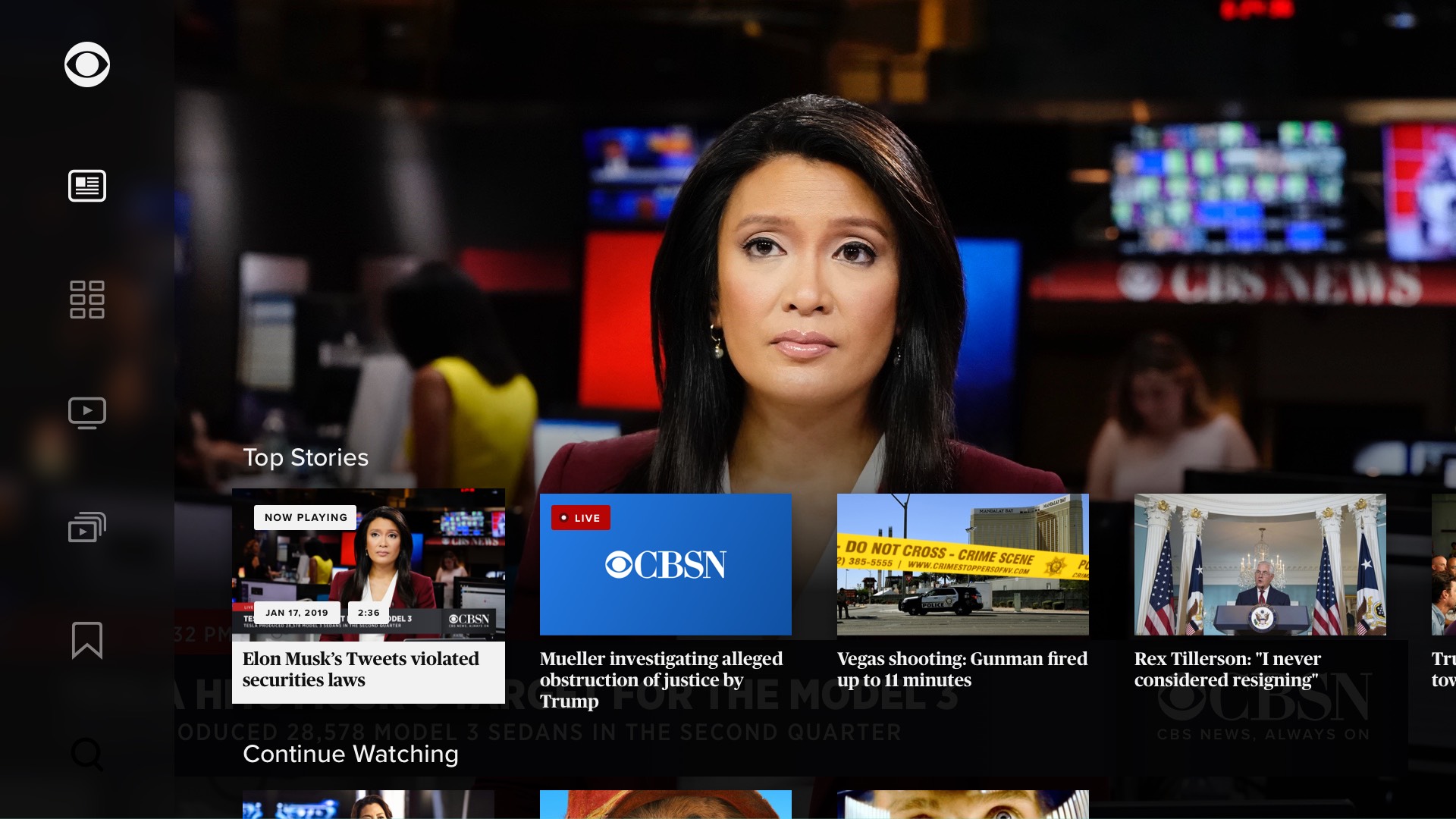
Below are screenshots from the fifth iteration:
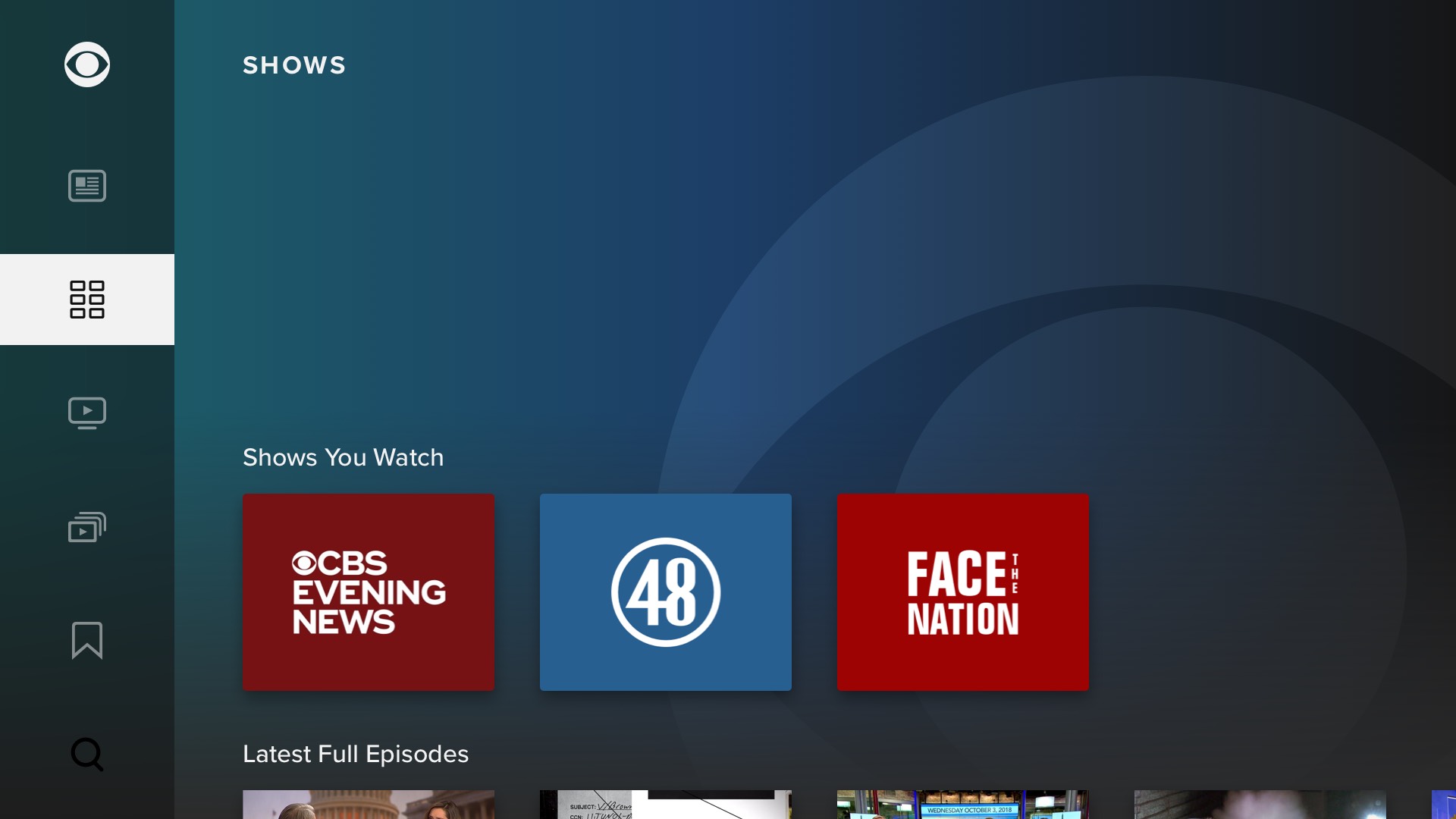
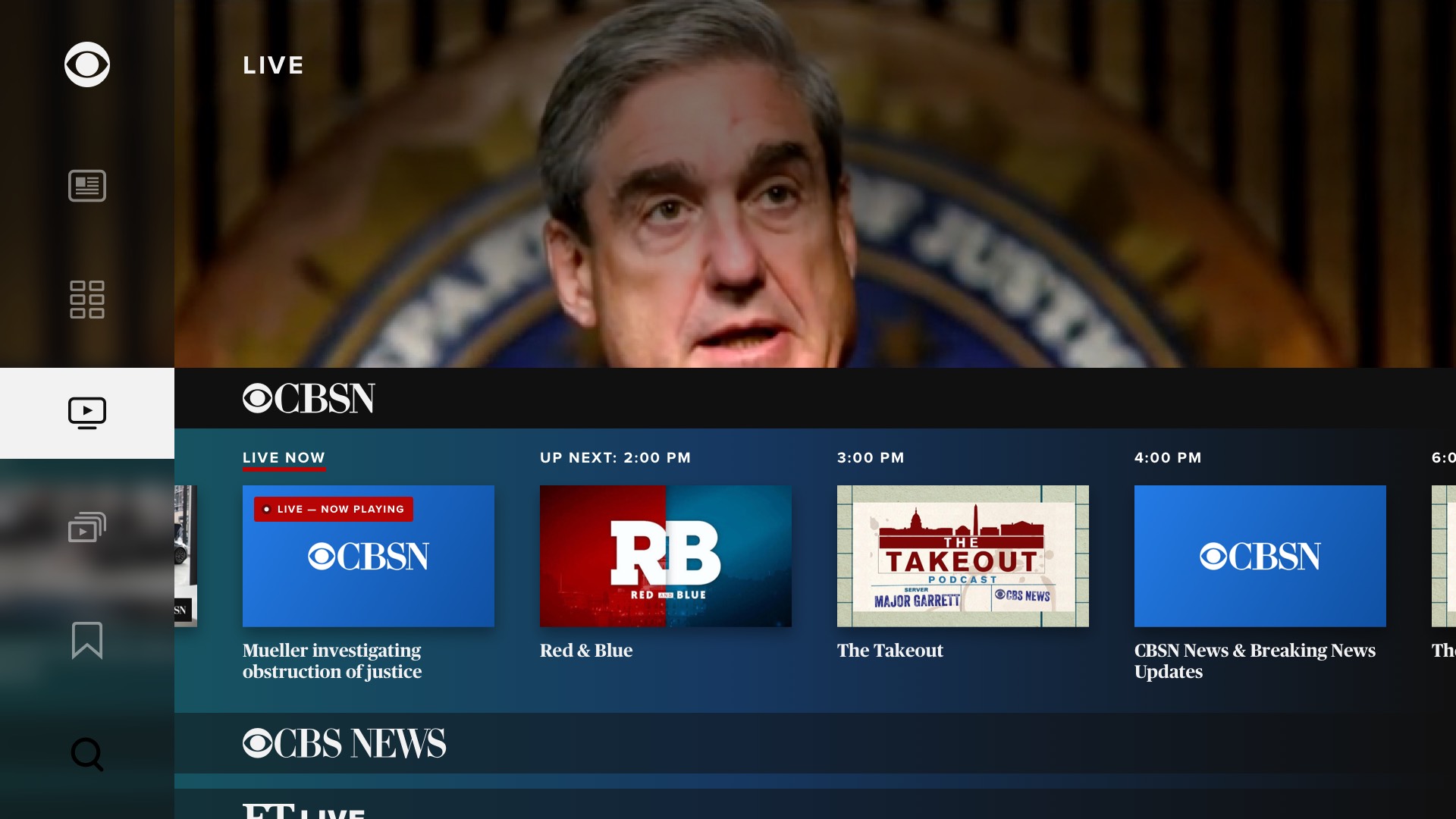
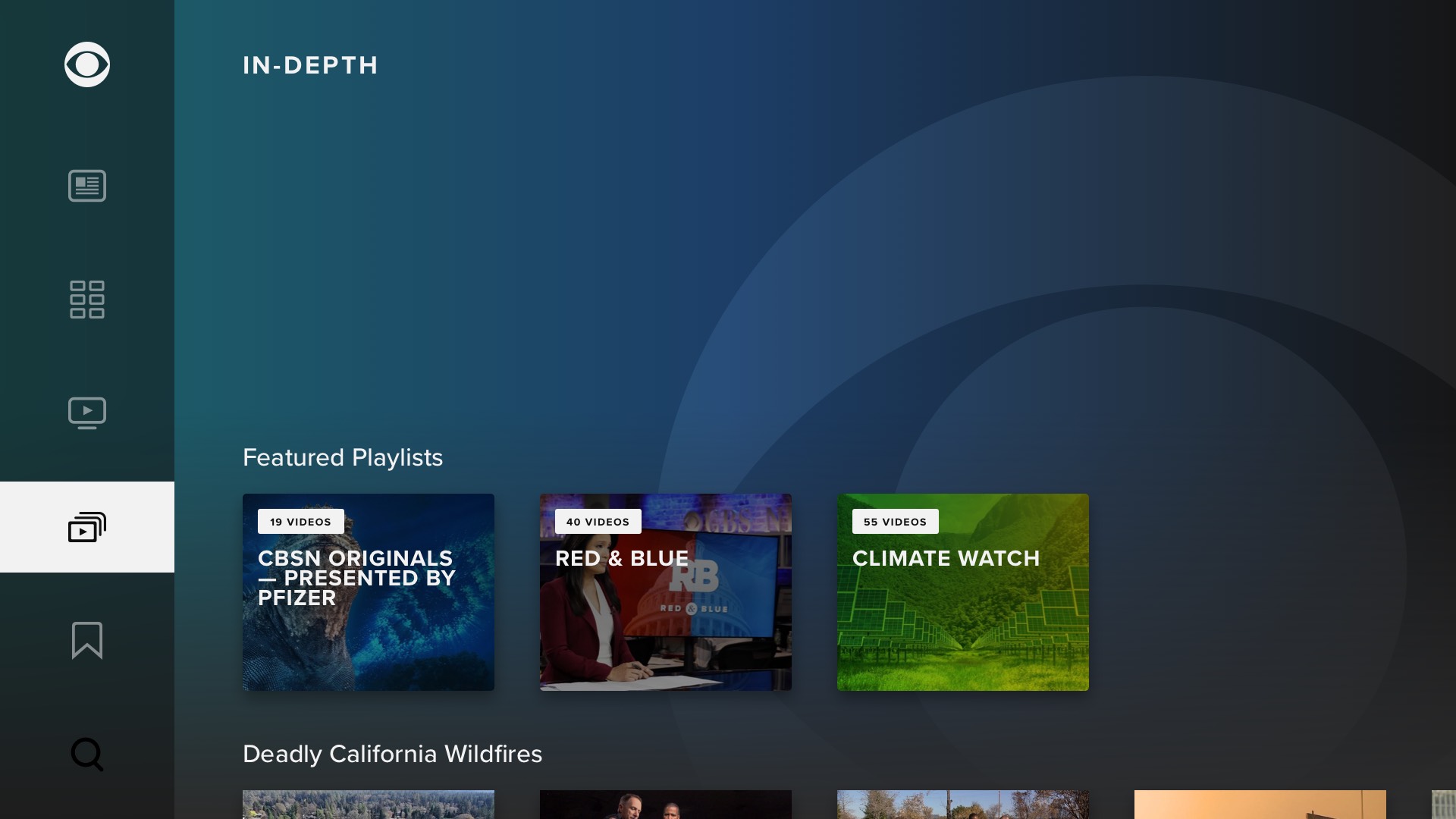
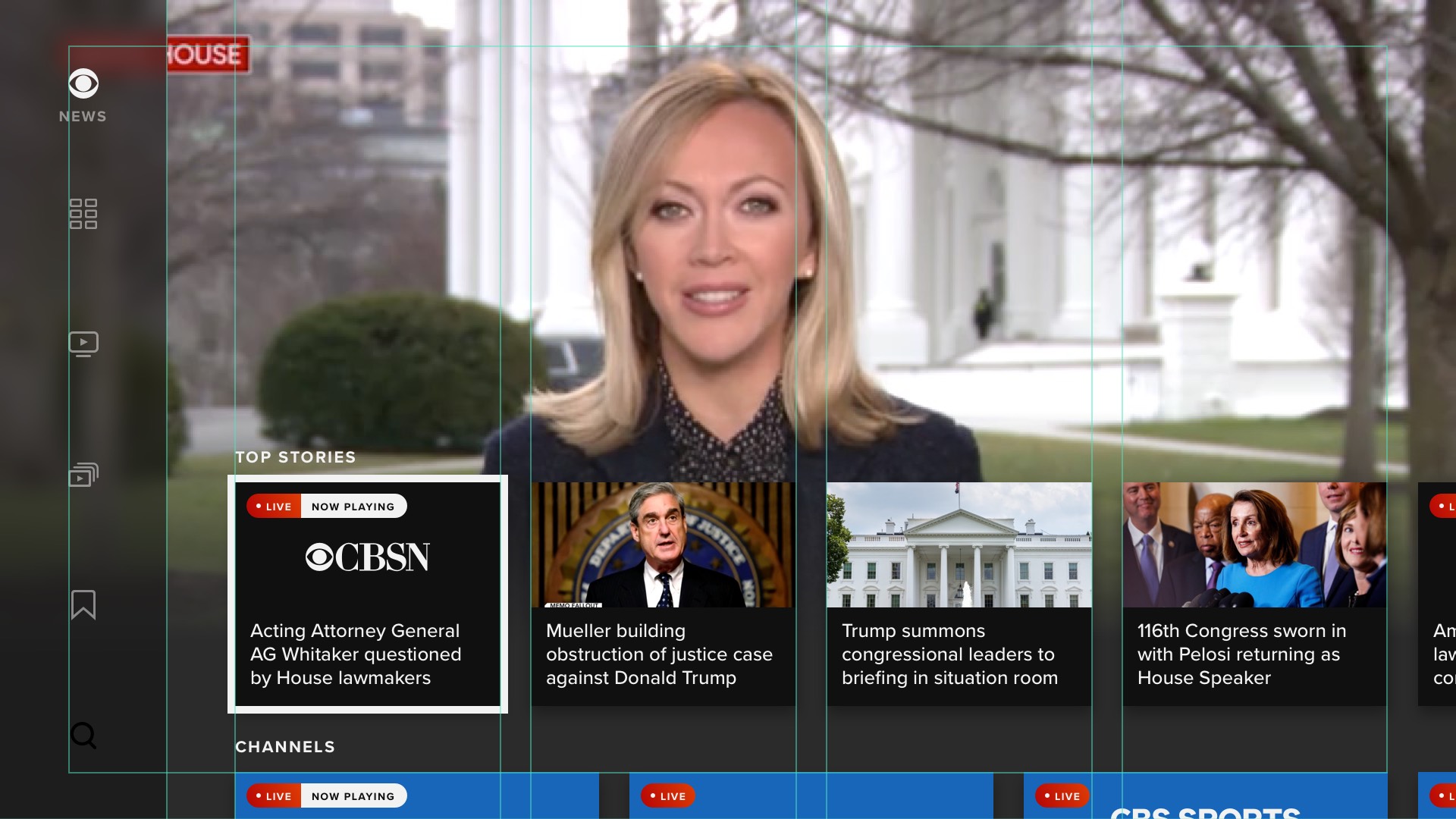
Below are the mockups from the seventh iteration. I think v5 above is more clear, and also simply better looking. At this point, we were still pursuing a vertical navigation panel on the left, but the developer liaison from Apple to CBS News strongly advised against this. Despite this Apple directive, side navigation became the norm on tvOS a few short years later.
The Creative Director did not like the Project person's concept for the app, or the aspirational wireframes I was using for UX discovery. He created a UI treatment, which I had to use for on all subsequent explorations, shown below. This slowed me down considerably, as we were still in the product discovery phase.
We ultimately had to discard most of the Creative Director's work for platforms other than tvOS, which were not able to render elements like gradients, transitions, rounded corners, etc. The original plan had been a single design for all apps, but I wound up having to create and maintain two complete and full-fidelity sets of designs: one for tvOS, and another for everything else. Needless to say, this further slowed me down.
App Redesign: Live EPG Case Study
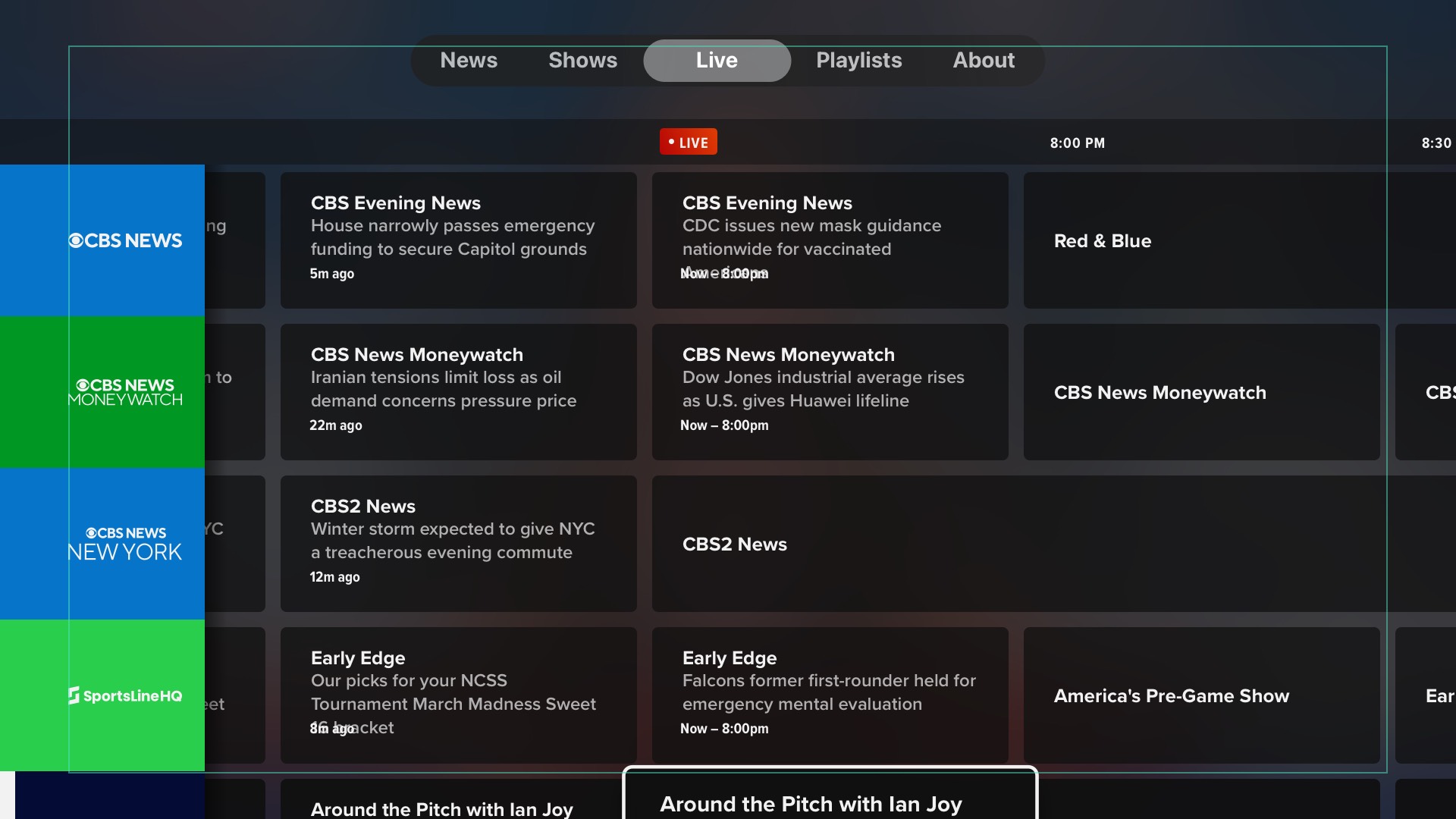
As was the case with the CBS News watch experience on web and app, the trickiest part of the app was the "Live" screen. We took to calling this feature a "faux-PG", as it was not a true EPG. Below are some of the many early explorations:
App Redesign: Final Mocks & Prototypes Case Study
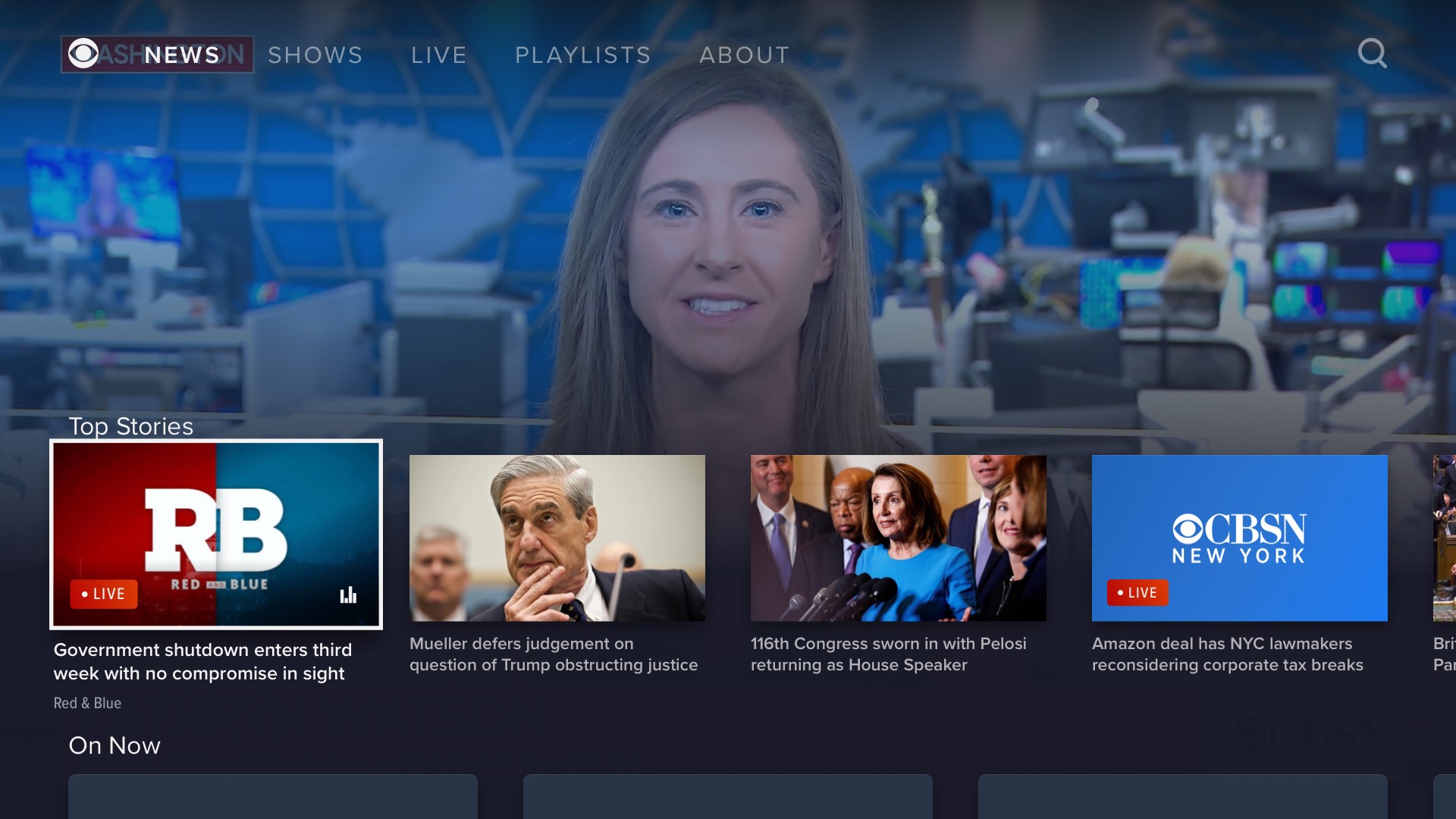
Below are final mockups of representative screens from the tvOS and Roku apps, shown side-by-side to illustrate the severe compromises made for certain platforms:
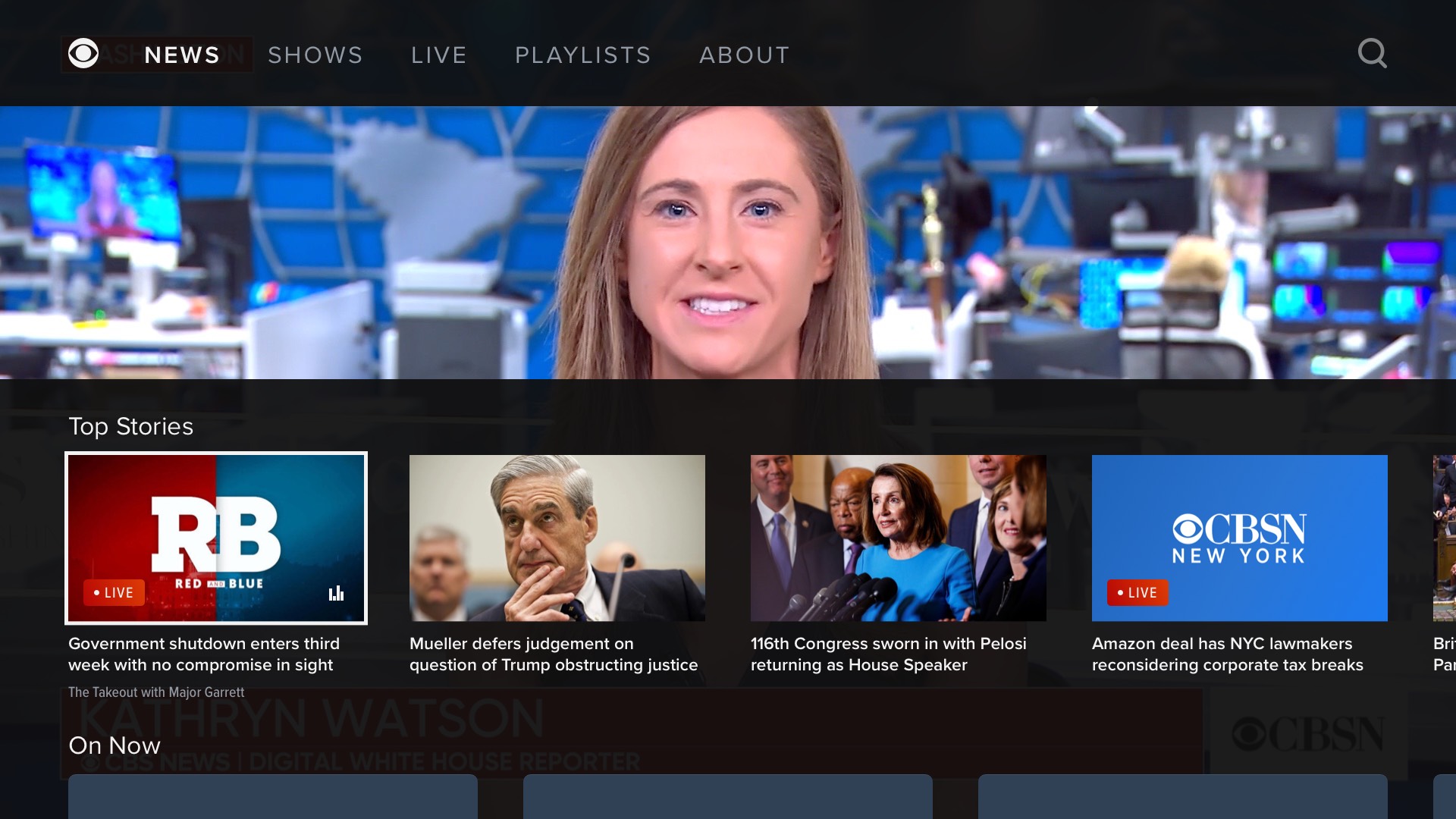
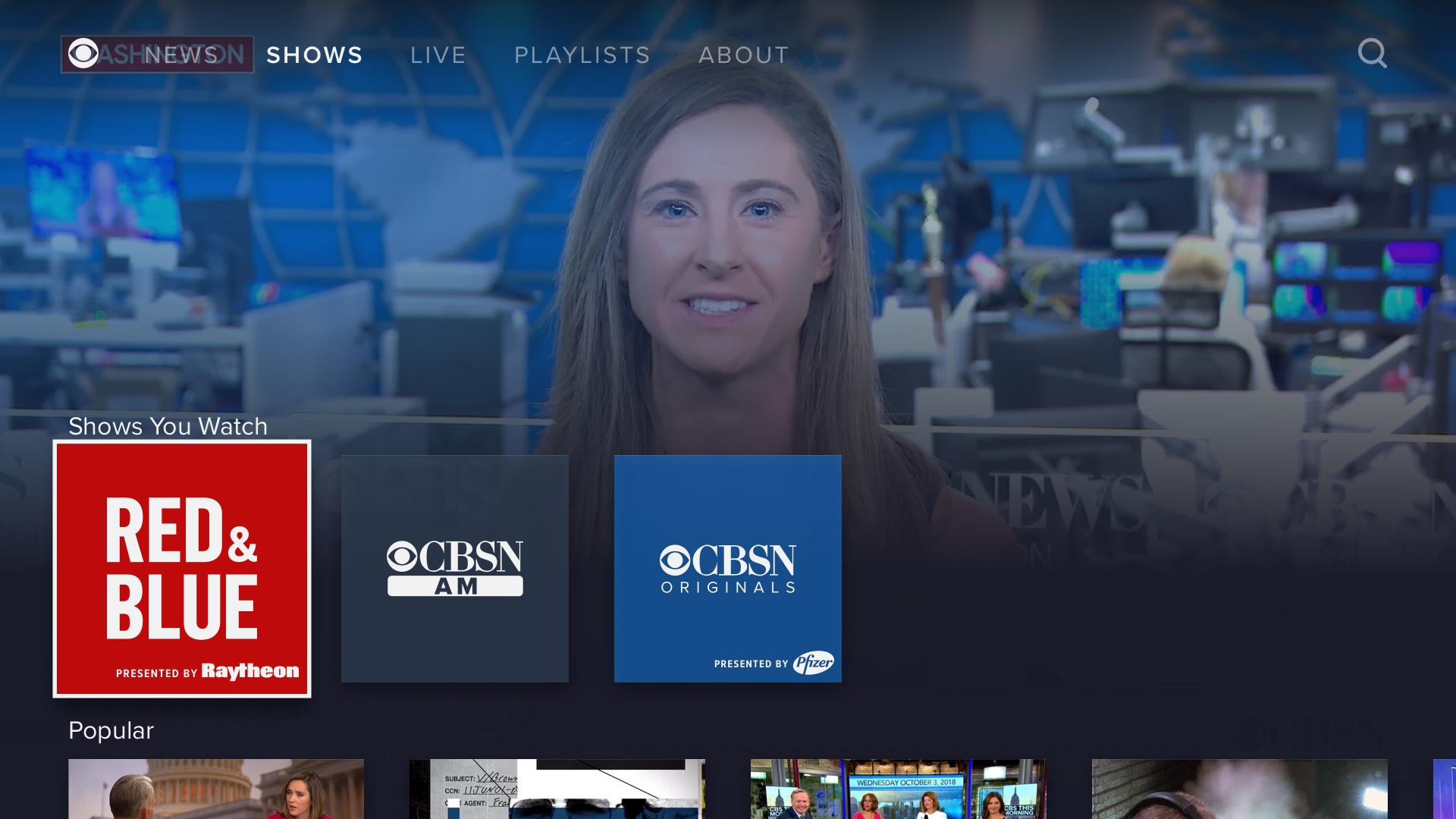
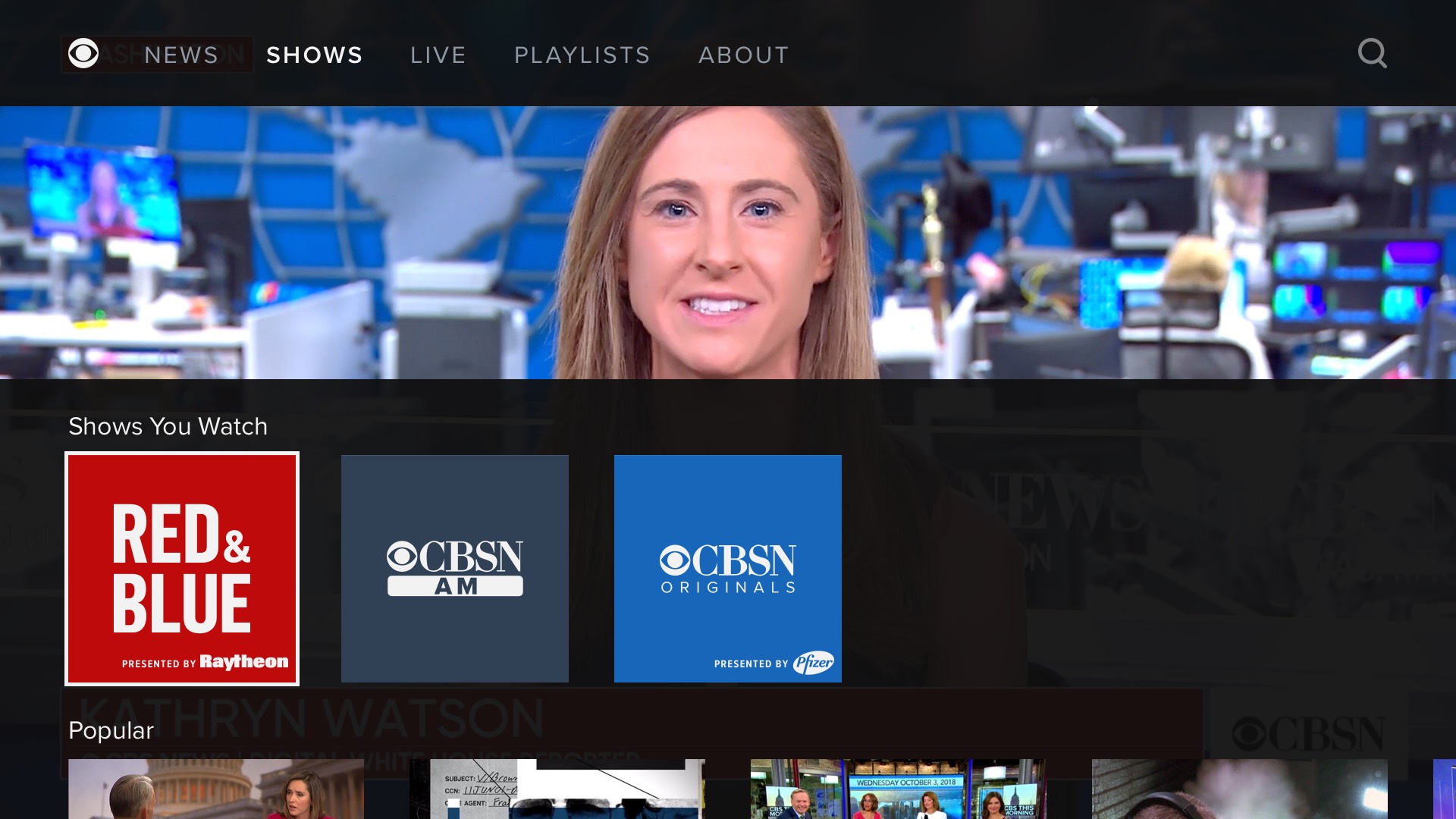
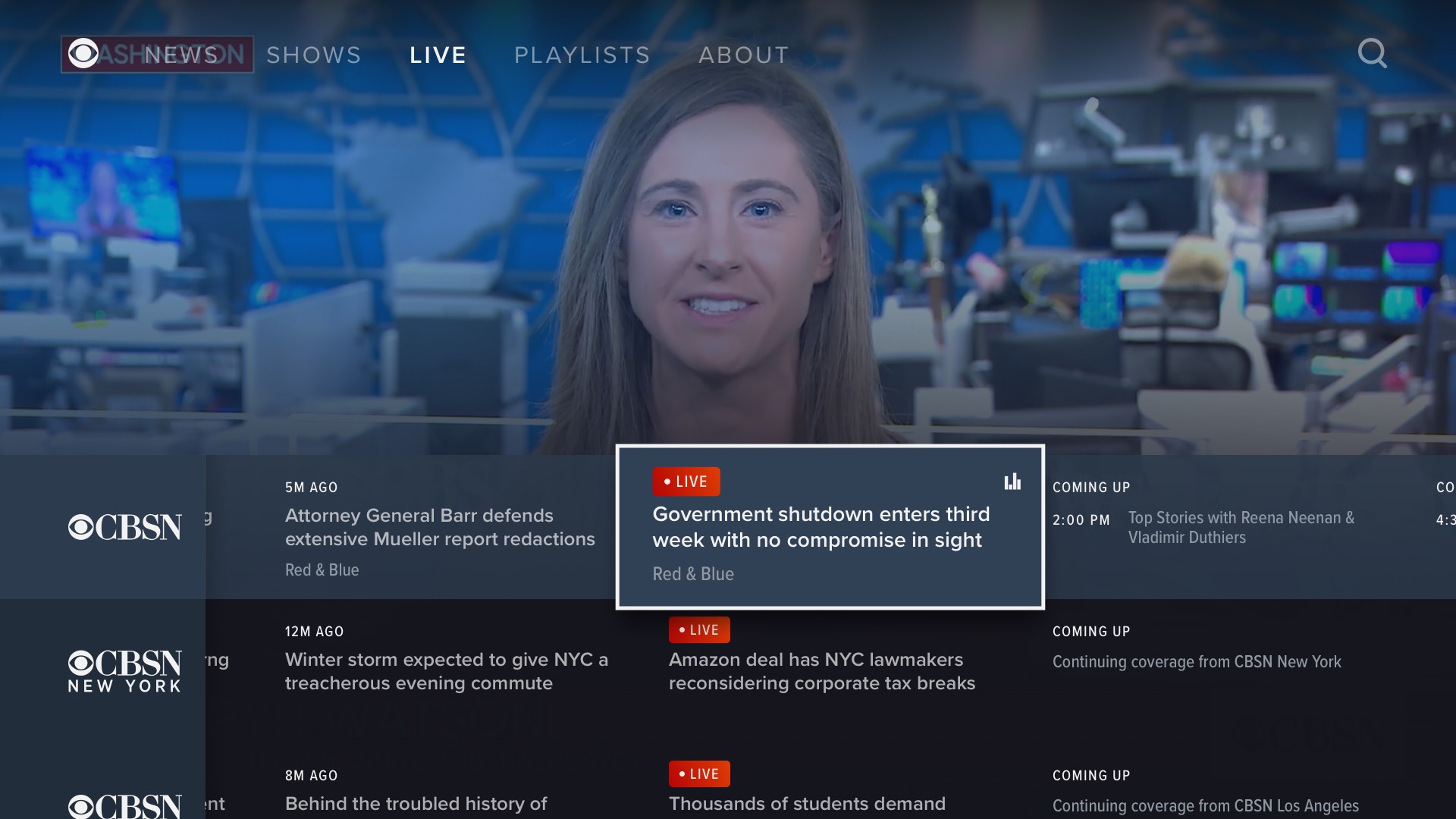
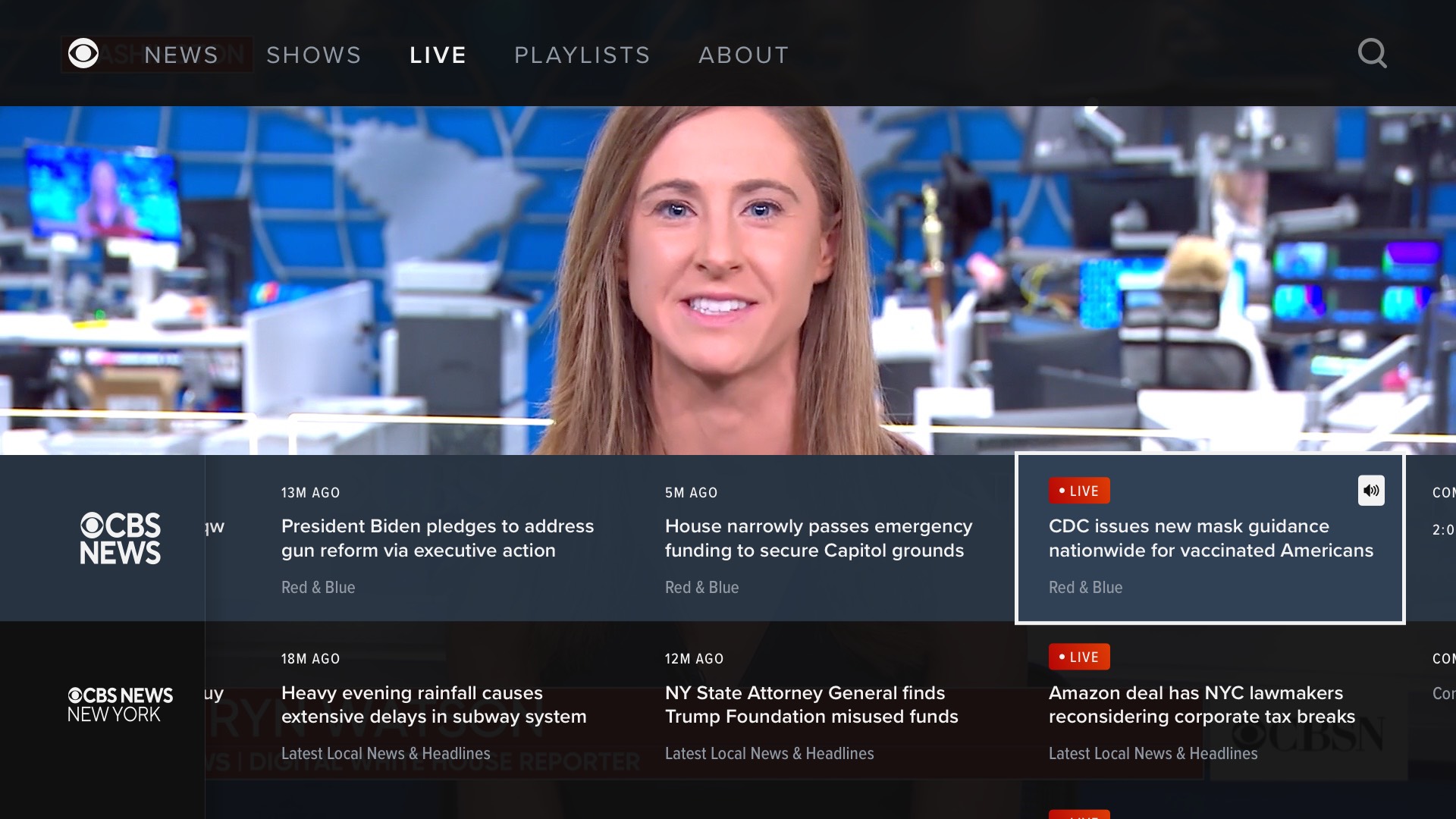
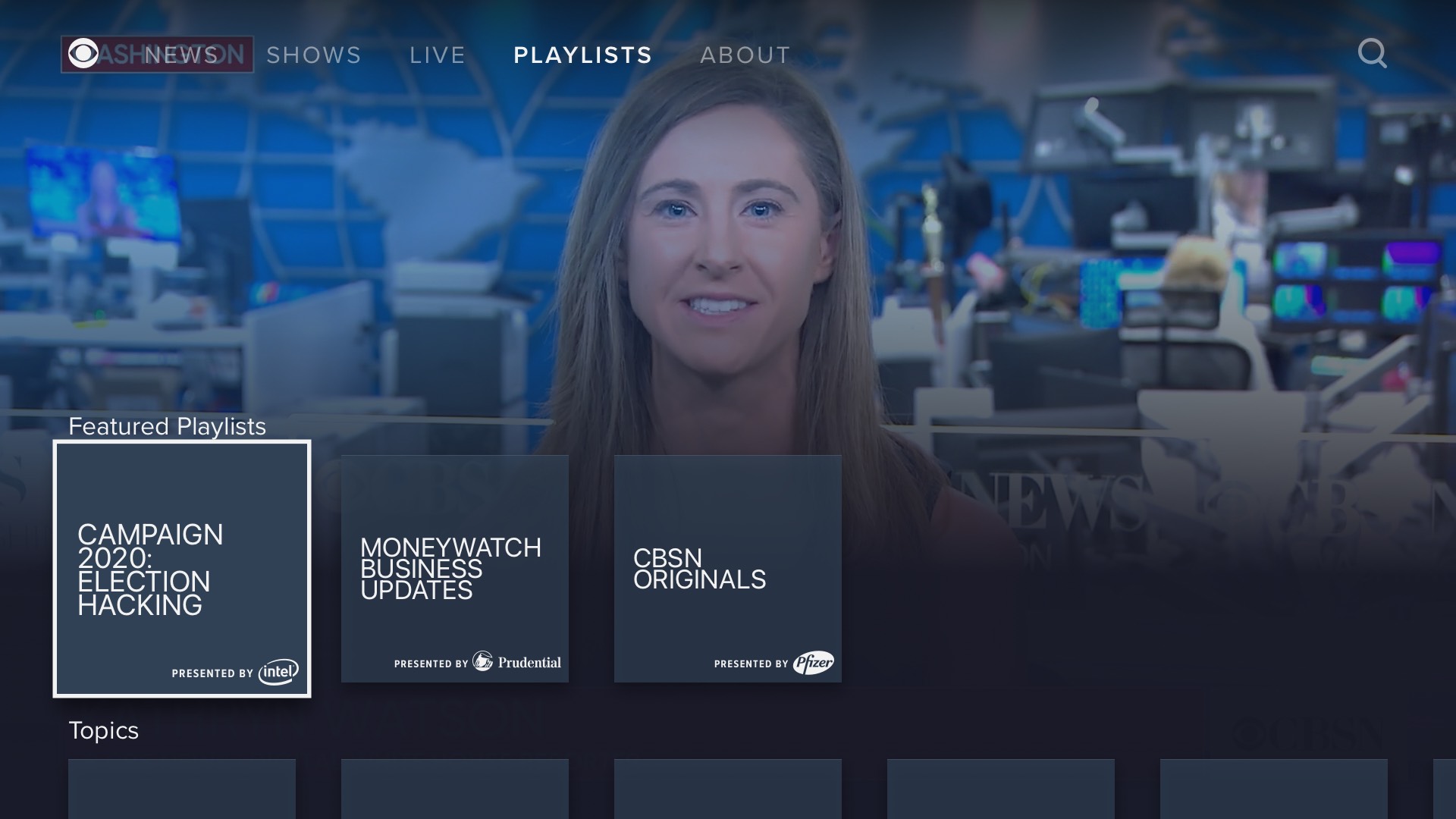
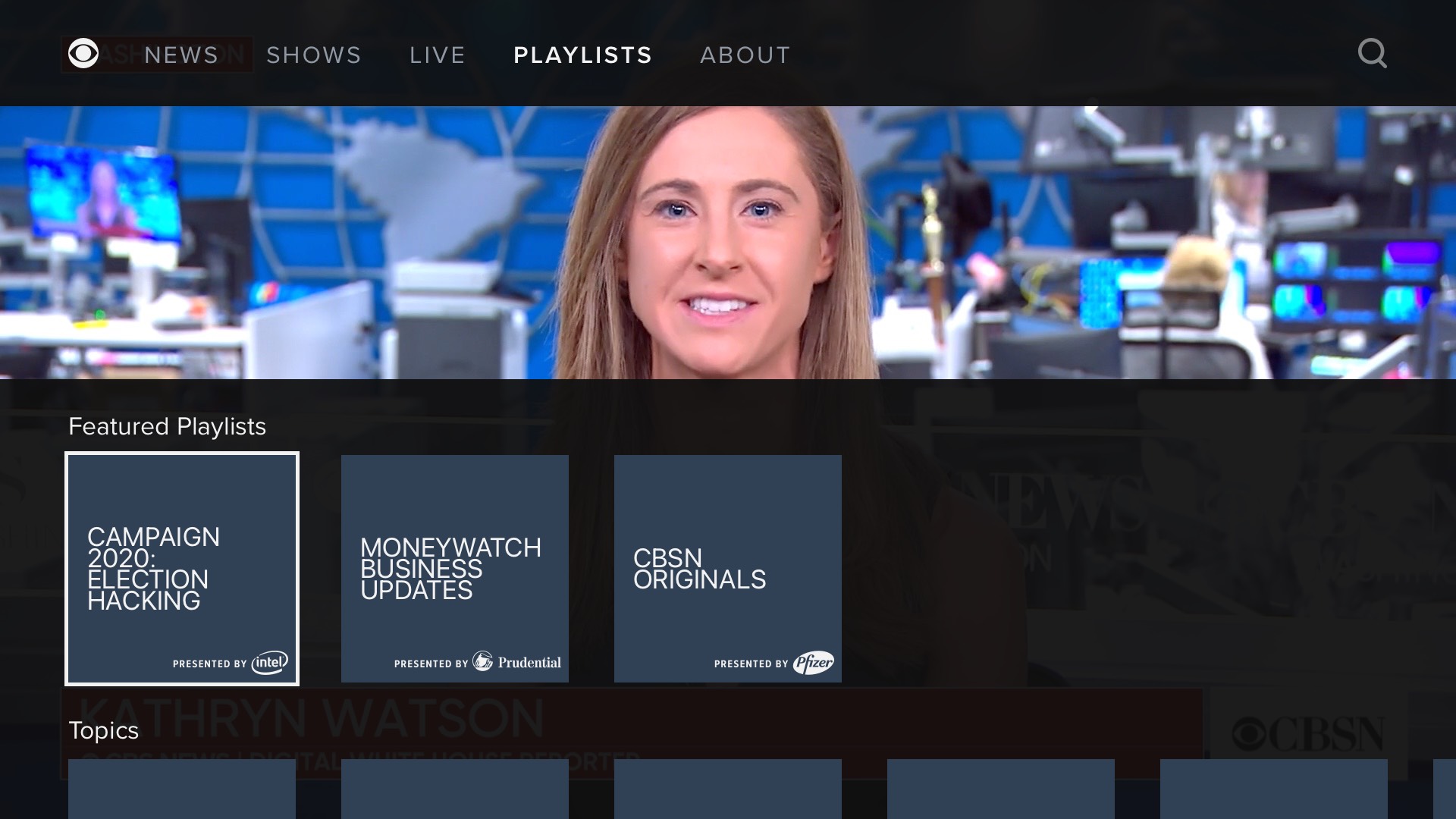
Below is a screen recording of the interactive prototype I built to showcase the redesign in internal presentations. This was after the Create Director's UI treatment. The user could view it in any browser, and interact with it using the keyboard arrow keys to simulate a remote.
App Redesign: Unused Pushback Concept Case Study
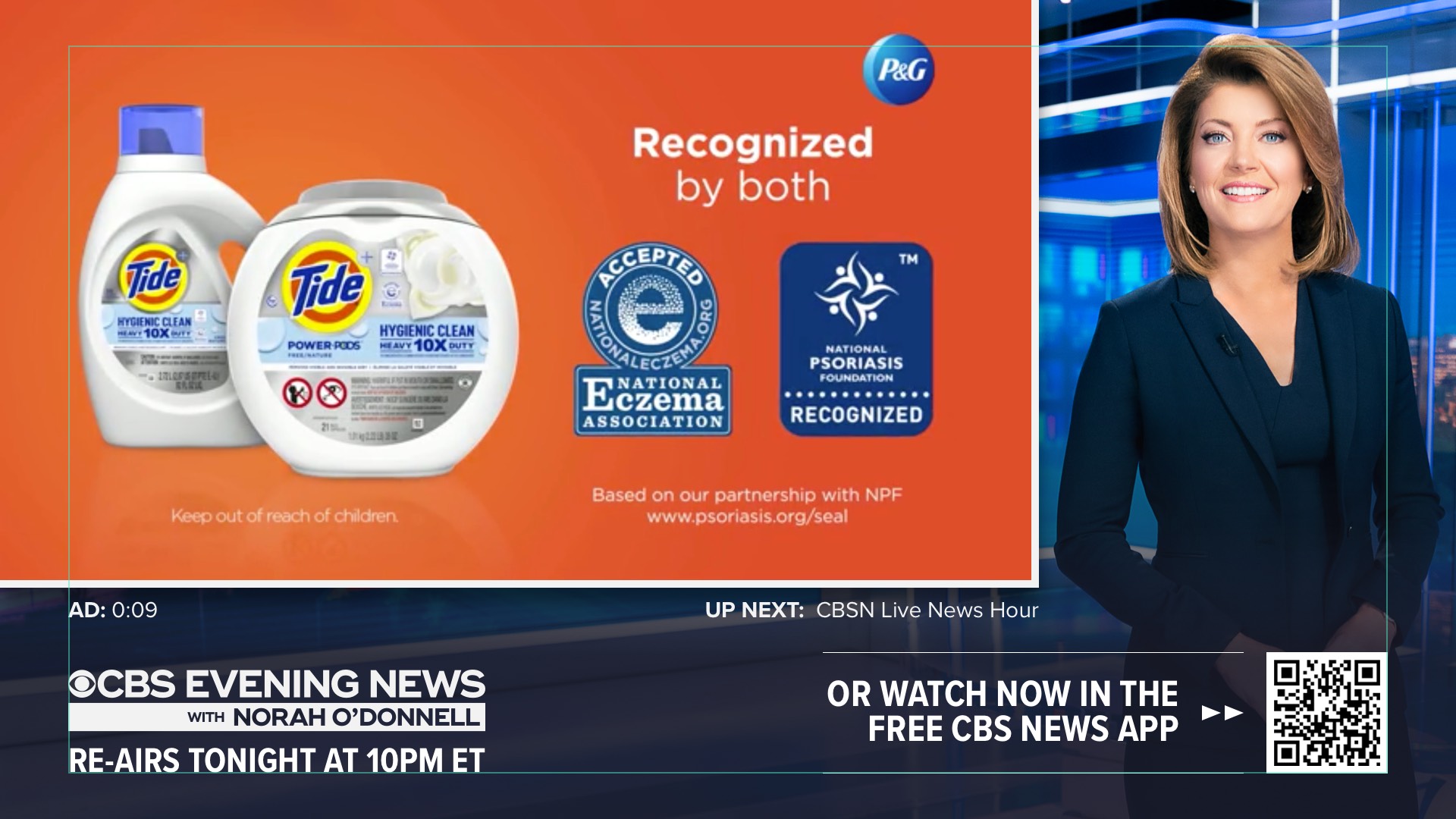
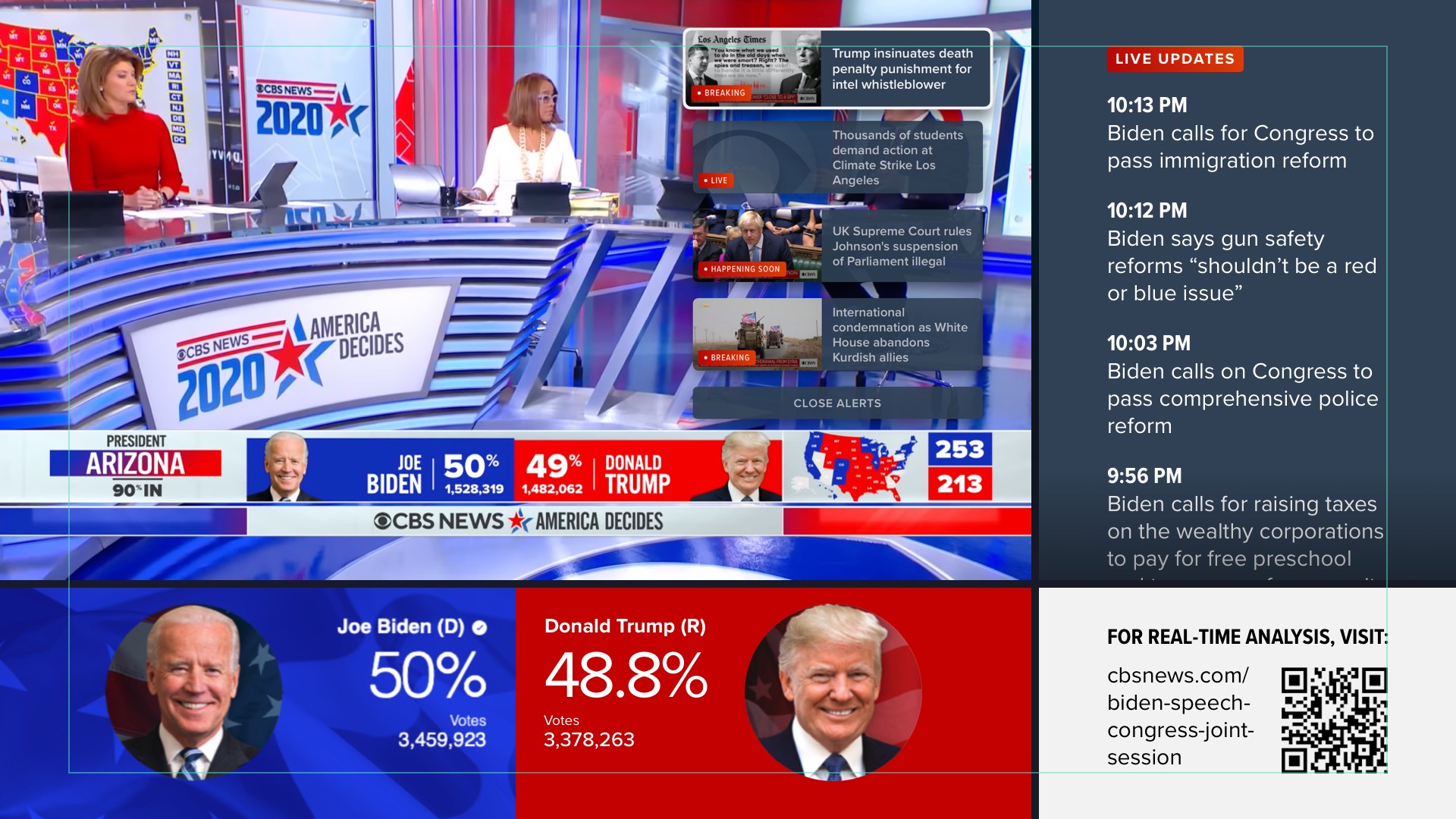
Below are some explorations for a feature we explored: the currently-playing livestream, VOD segment, or ad break could "push back" to reveal additional content, such as live updates, an in-house promo, or election results.
Video Push Alerts Case Study
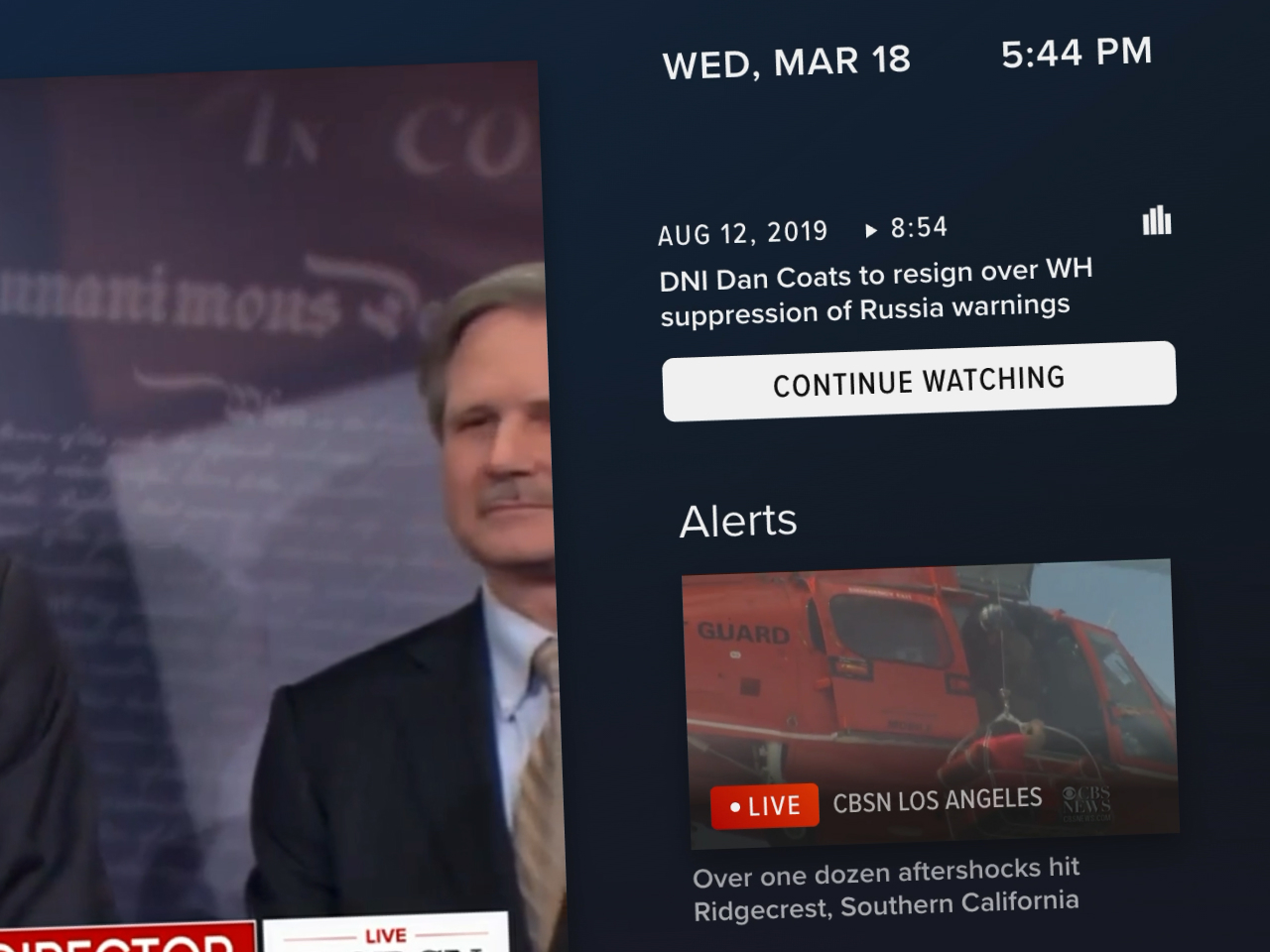
After the 2019 redesign of the OTT apps launched, I continued to work with the same Product person on a new feature: Video Push Alerts. Described in detail in its dedicated case study.