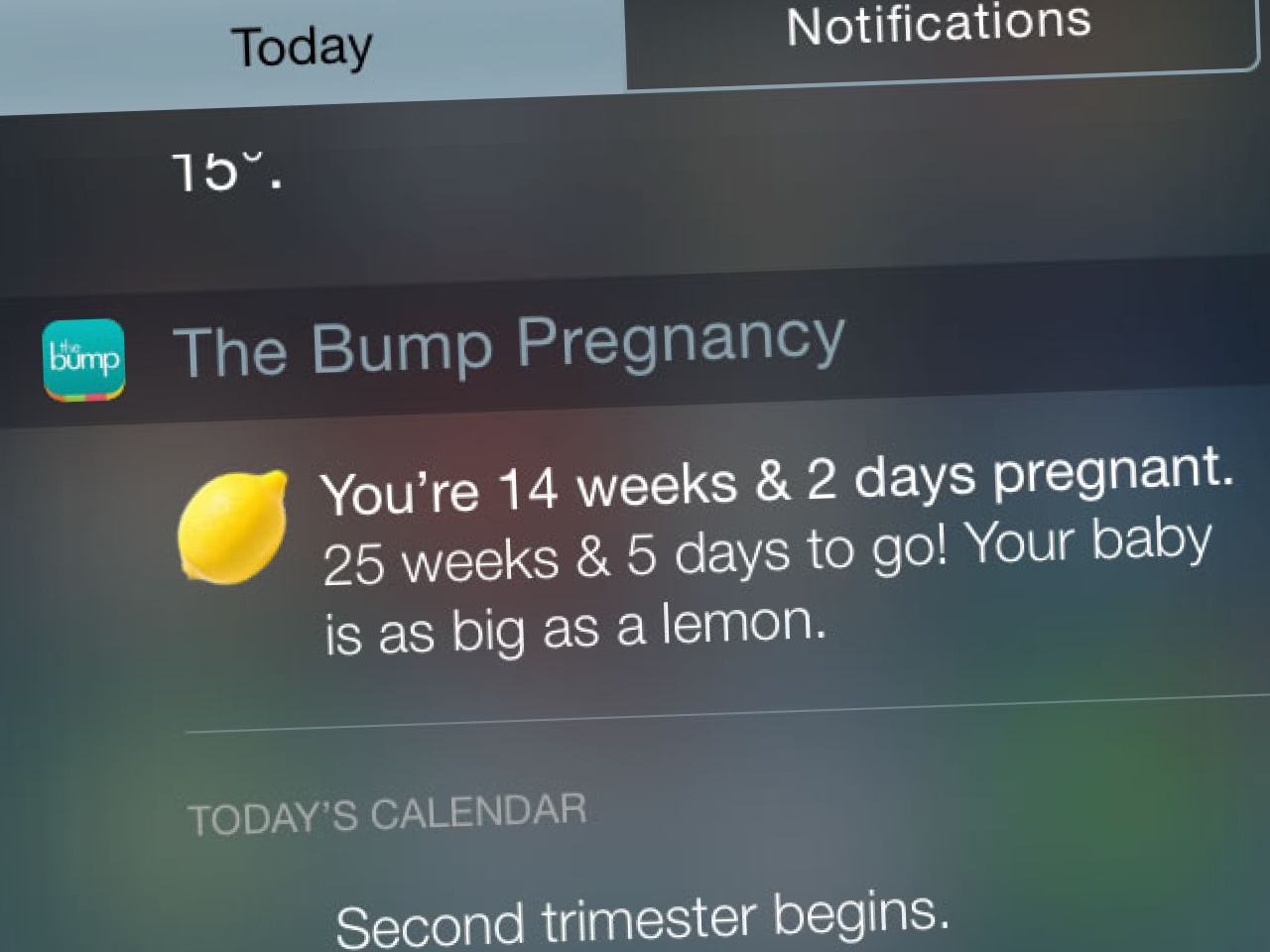
The Bump app was the brand's flagship product for pregnant people and those with newborns. I contributed to the project as the UX designer for its initial iOS launch and subsequent Android version. Below are some UX documents, mockups, and prototypes, roughly in chronological order.
In this case study:
- High-res UX Wireframes: Early Exploration
- Prototype: Side Navigation Concept
- Prototype: Card Open & Close Concept
- Prototype: Slideshow Interaction
- watchOS Hackathon
- High-res UX Wireframes: Incorporating Later UI Design
- High-res UX Wireframes: Android adaptation
- Prototypes: Feed Interaction
- Prototype: First-Launch Tutorial
- Prototype: Instant Article
- Prototype: Interactions
- Prototype: User Testing
High-res UX Wireframes: Early Exploration Case Study
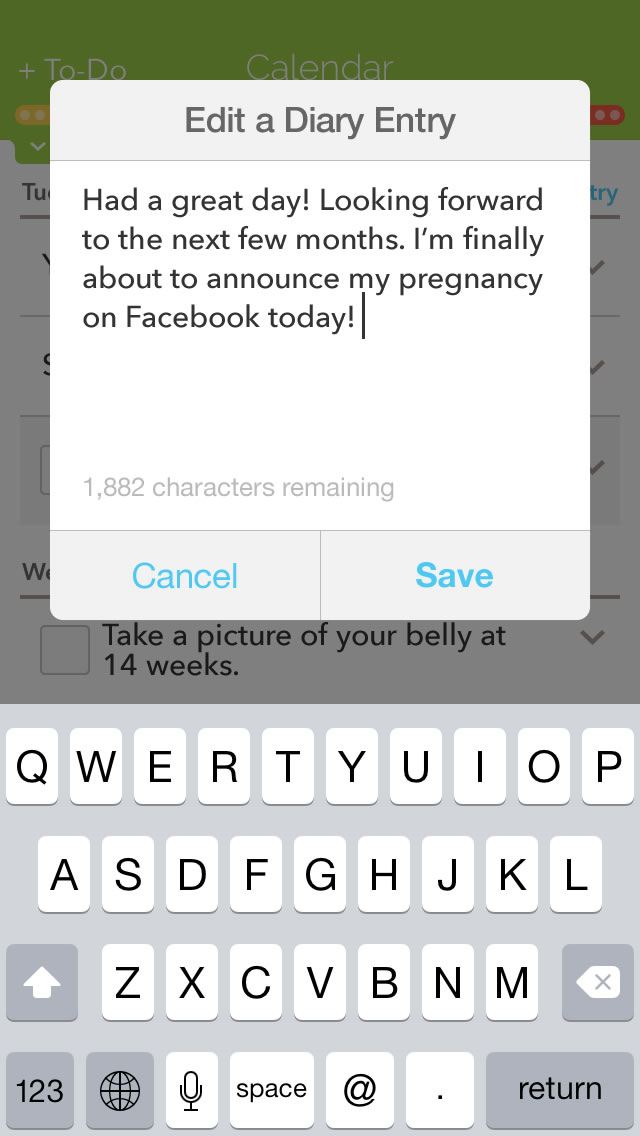
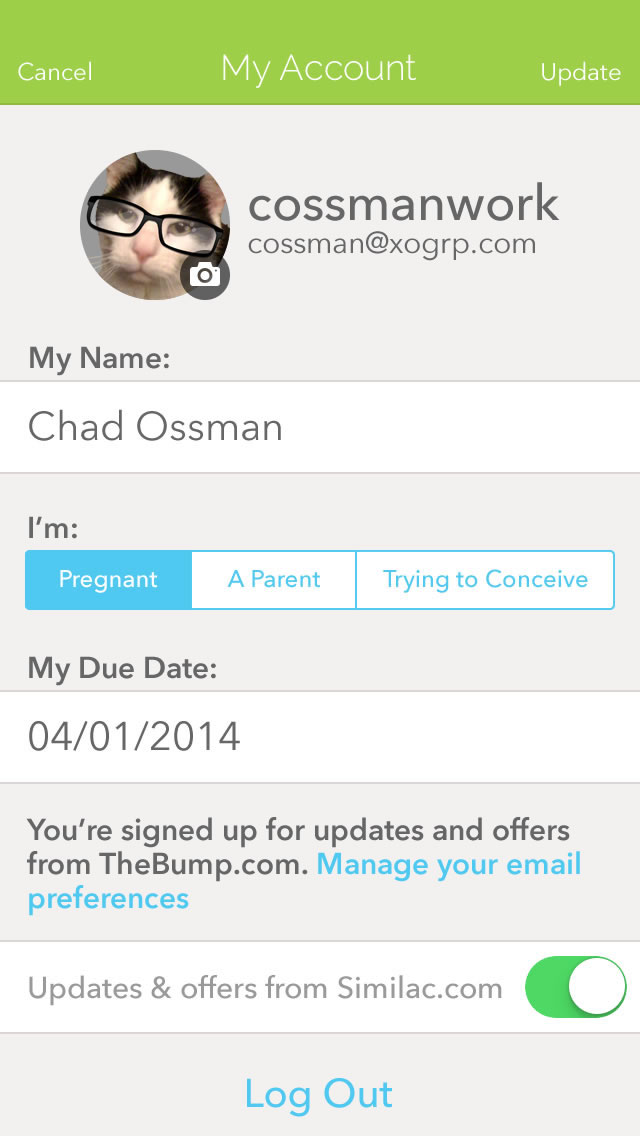
Below is a selection of some of my early UX exploration for The Bump pregnancy iOS app. The UI design was provisional.
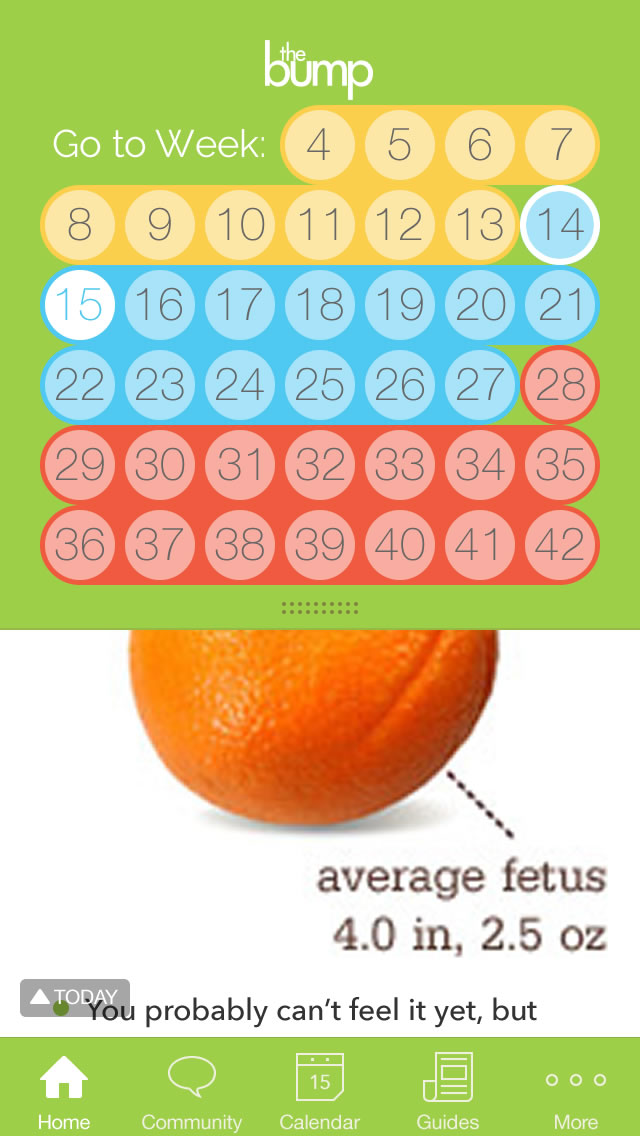
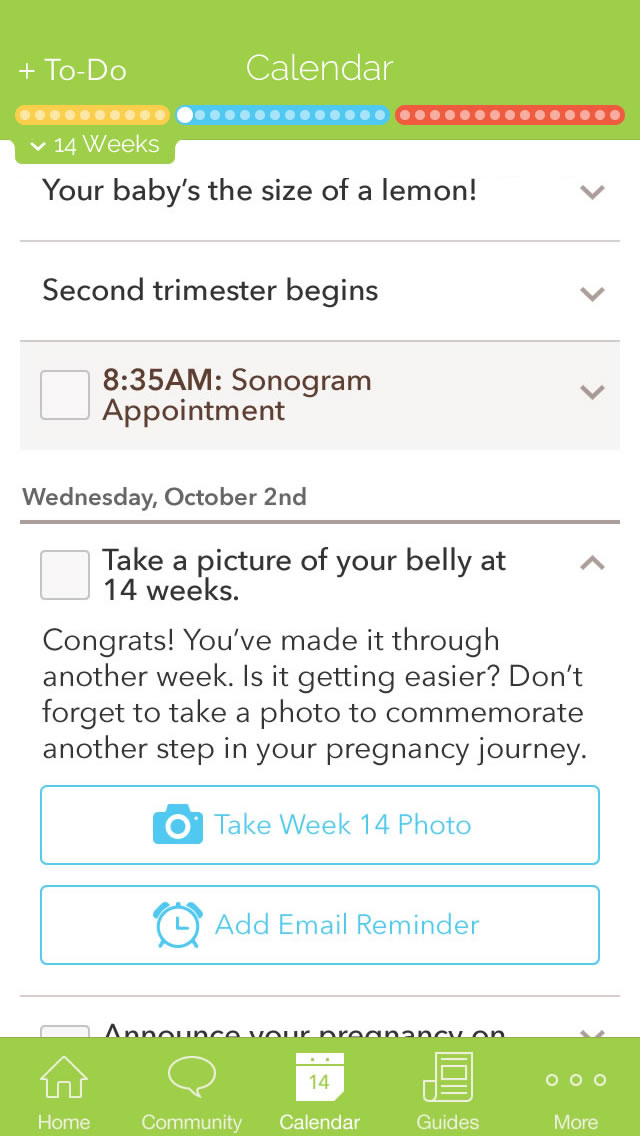
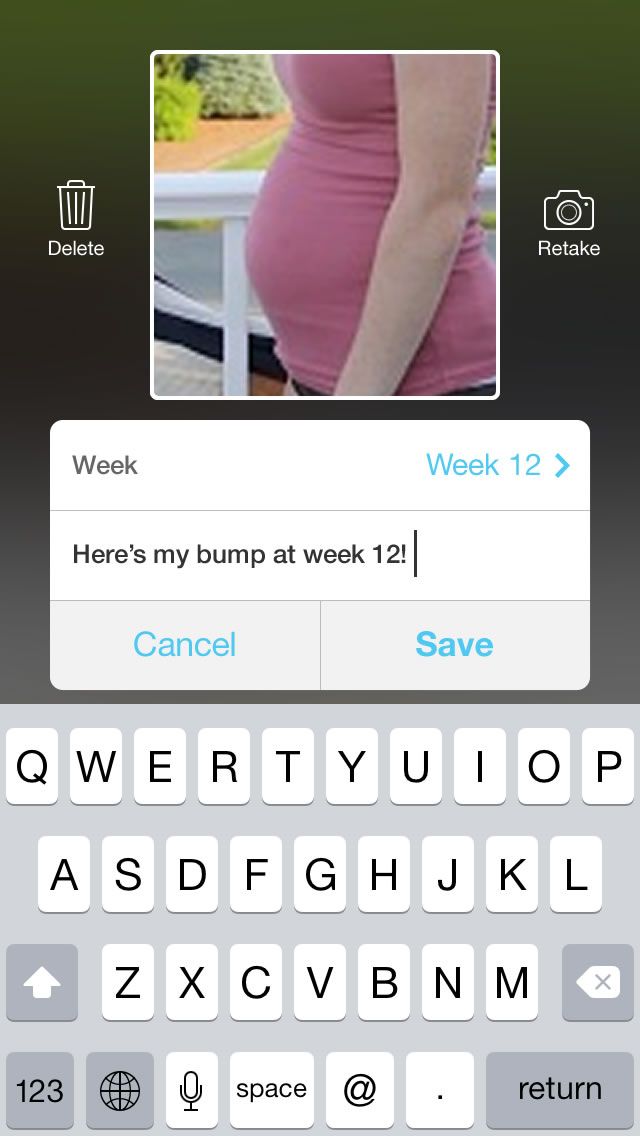
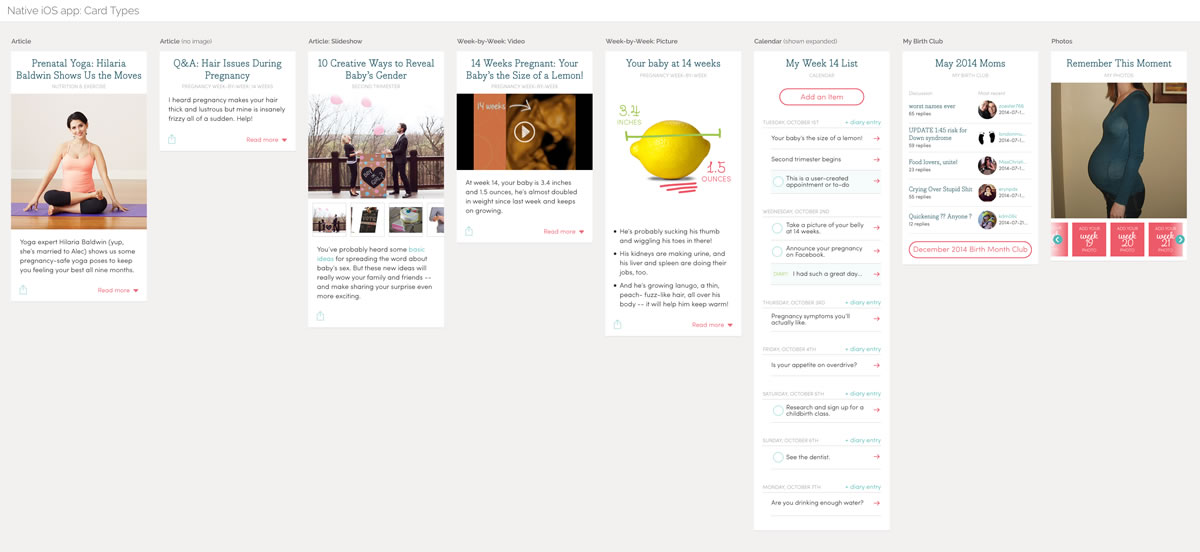
Below is an overview of the many different card types the evolving Bump newsfeed was planned to support:
Prototype: Side Navigation Concept Case Study
Also from early in the process, below is a non-interactive animated concept for navigating the weekly newsfeed via an expanding sidenav:
Prototype: Card Open & Close Concept Case Study
Another non-interactive prototype, exploring an interaction model for opening and closing a card within the feed:
Prototype: Slideshow Interaction Case Study
Below is a non-interactive animation, exploring a possible interaction model for slideshow cards:
watchOS hackathon Case Study
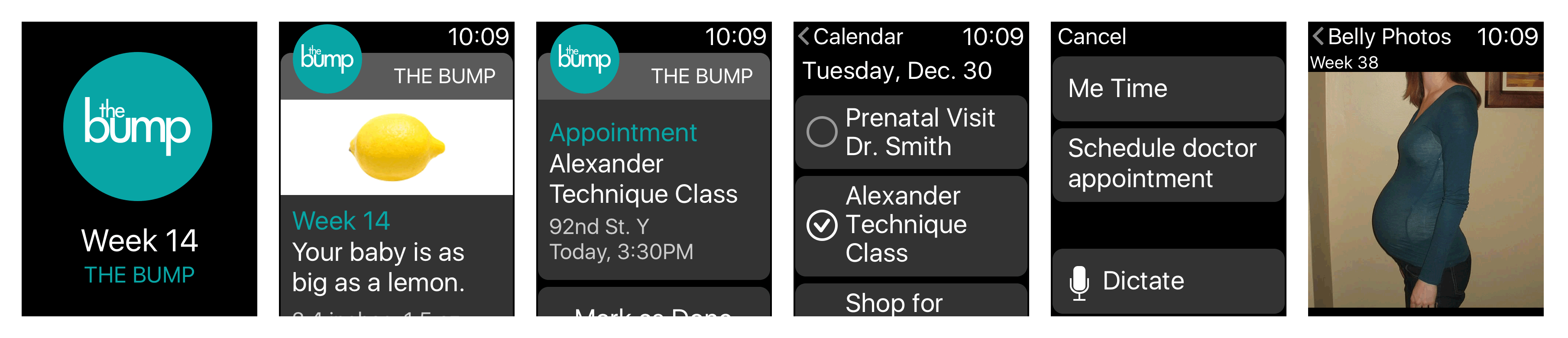
The Apple Watch was introduced while we were working on The Bump iOS app, and the team was eager to support the new device, especially considering its positioning as health/fitness tracker. We held an internal hackathon to explore how The Bump app could be extended to the new device and platform. Below are some of my mockups, including weekly updates, appointments, to-do items, etc.
High-res UX Wireframes: Incorporating Later UI Design Case Study
A selection of my UX wireframe mockups from later rounds, now incorporating The Bump's emerging UI design, overseen at the time by a separate designer:
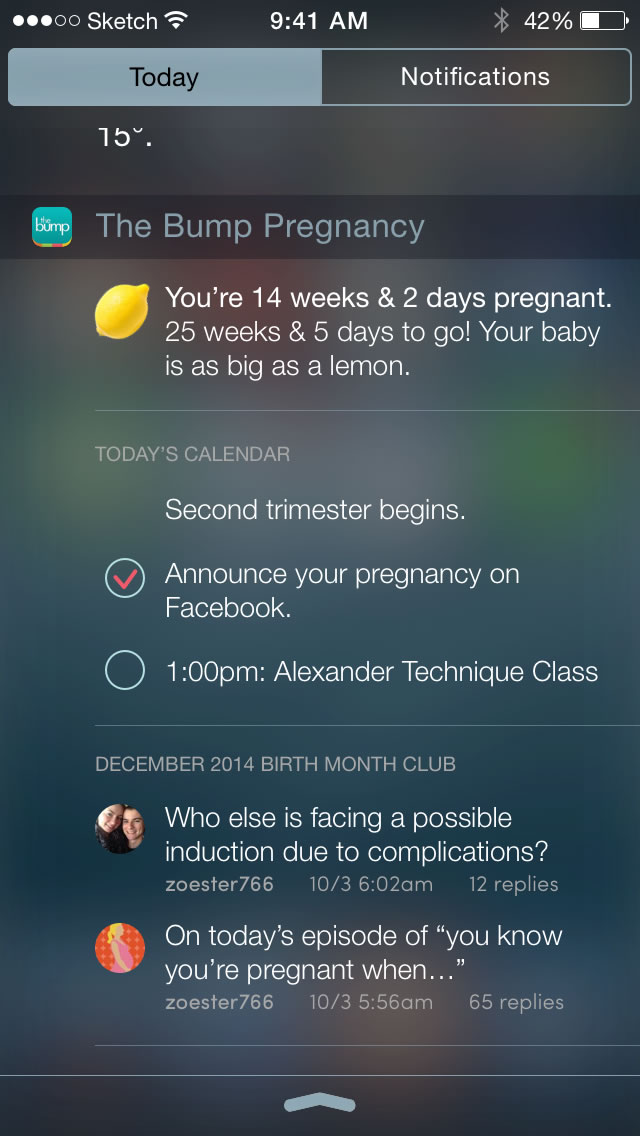
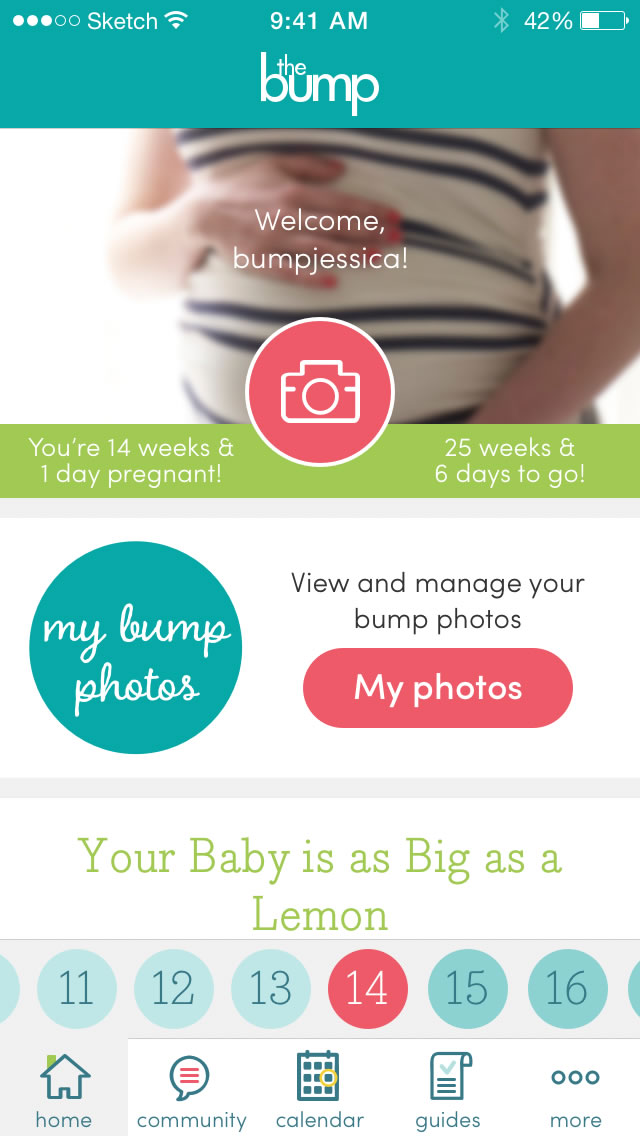
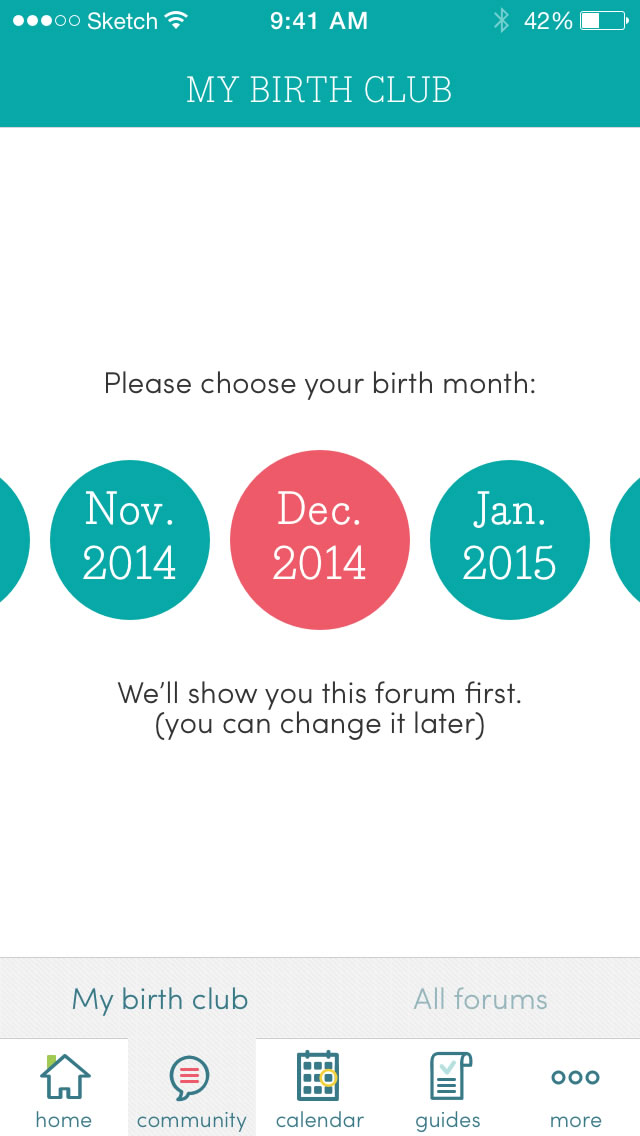
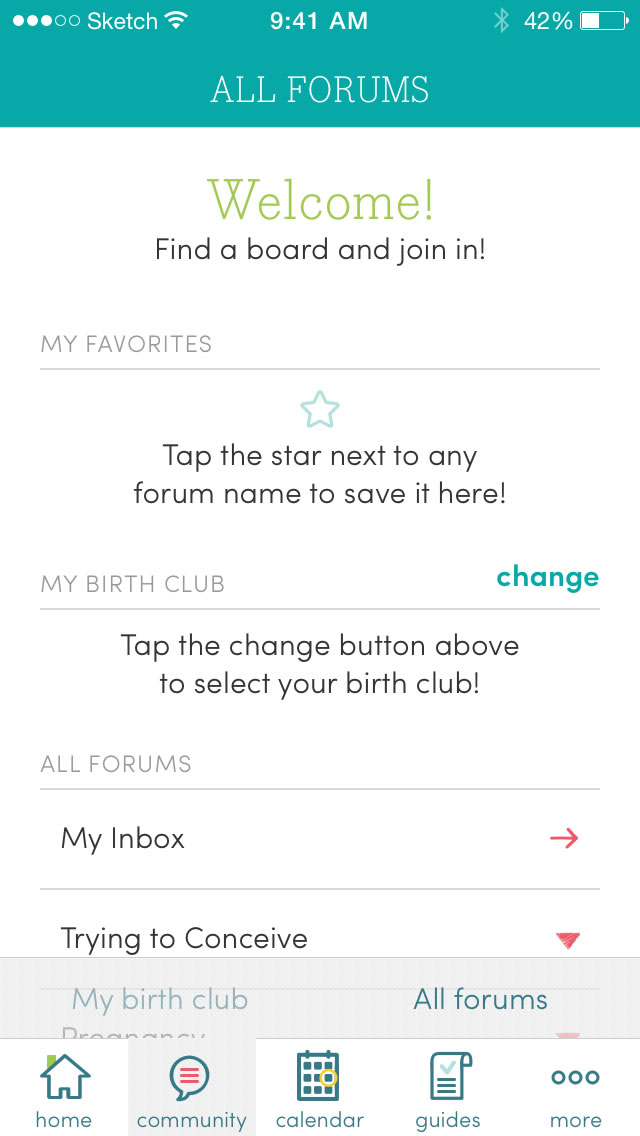
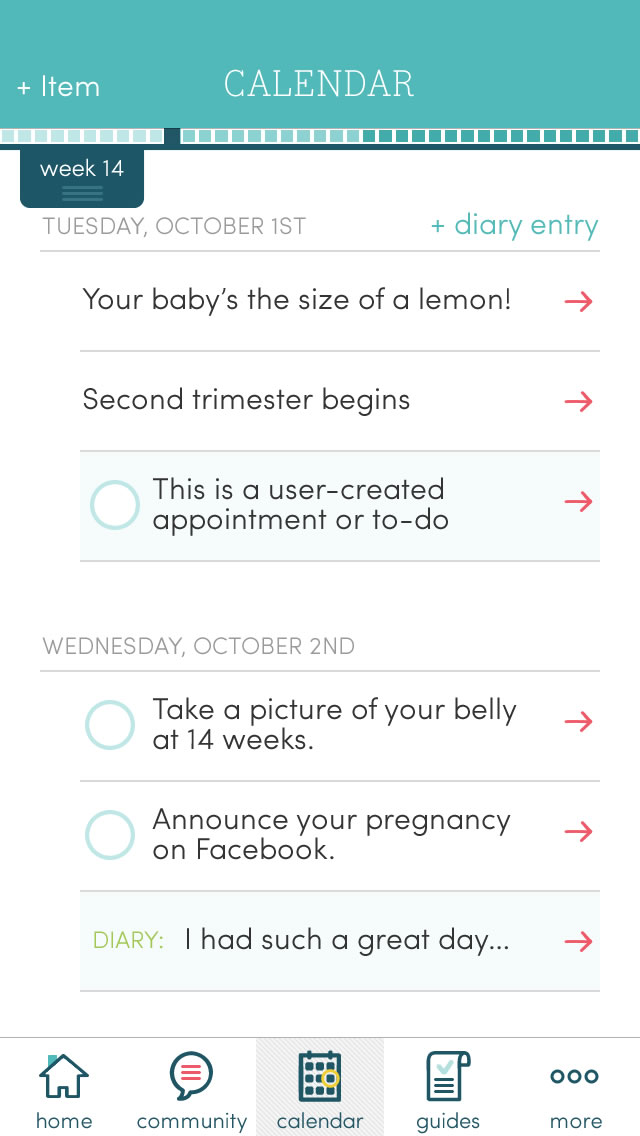
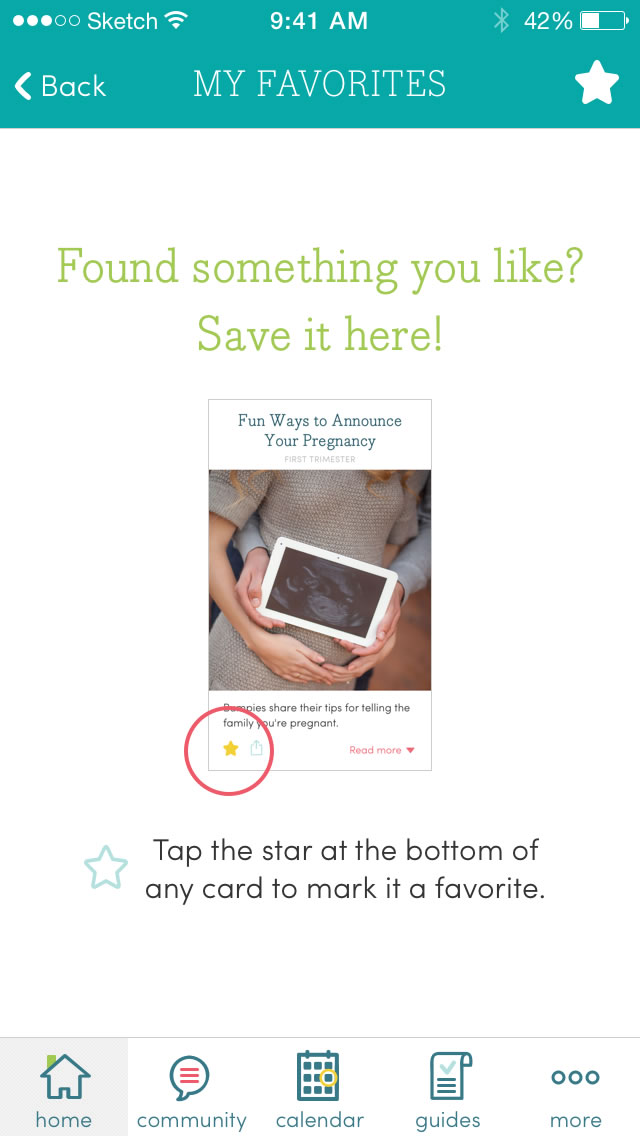
High-res UX Wireframes: Android Adaptation Case Study
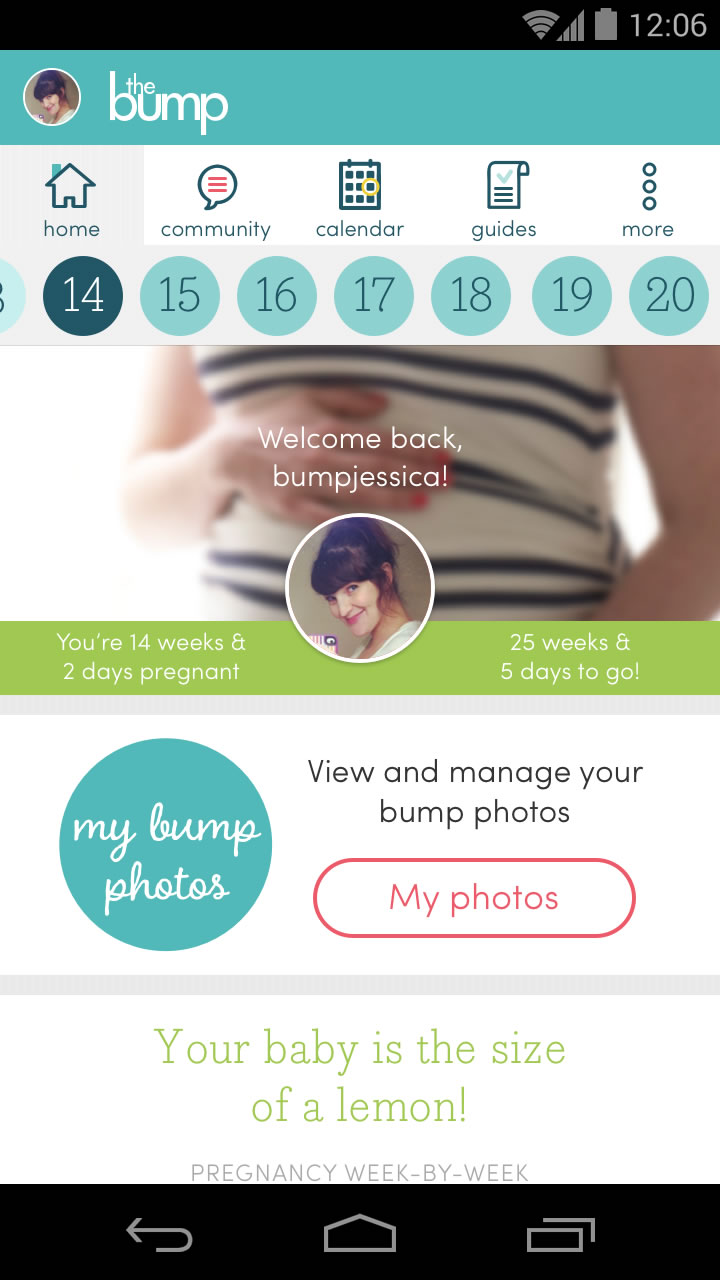
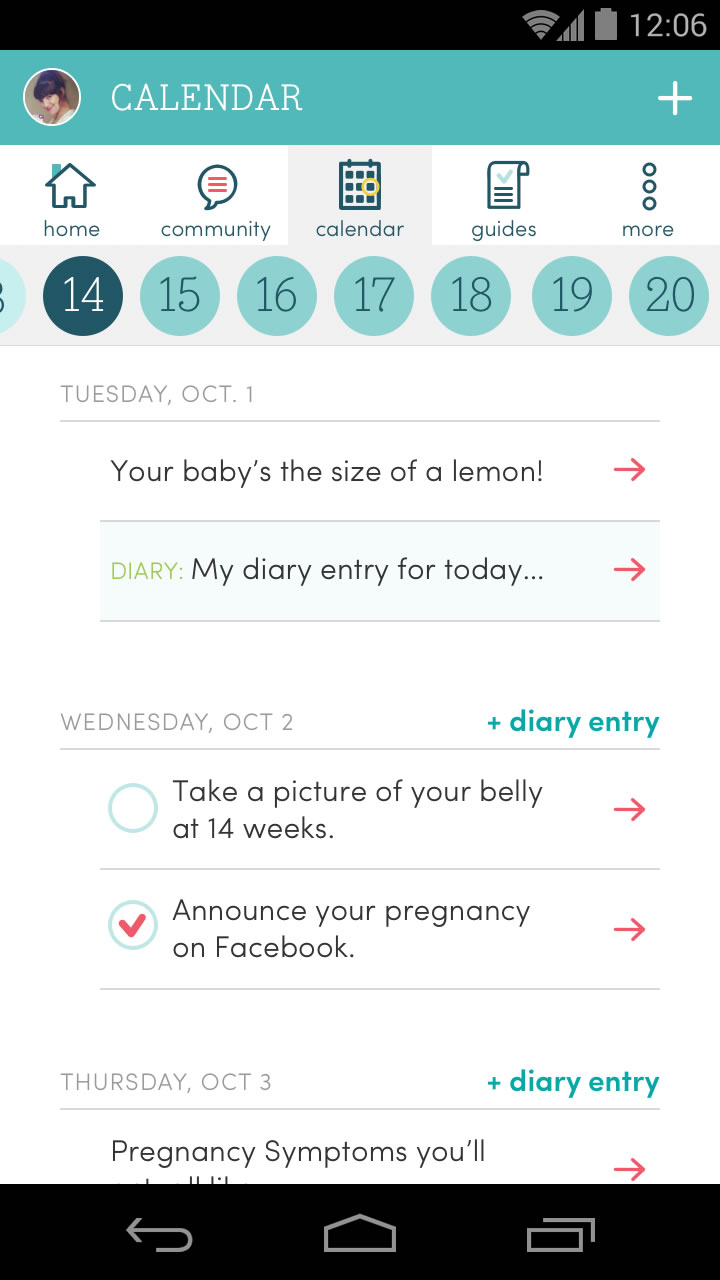
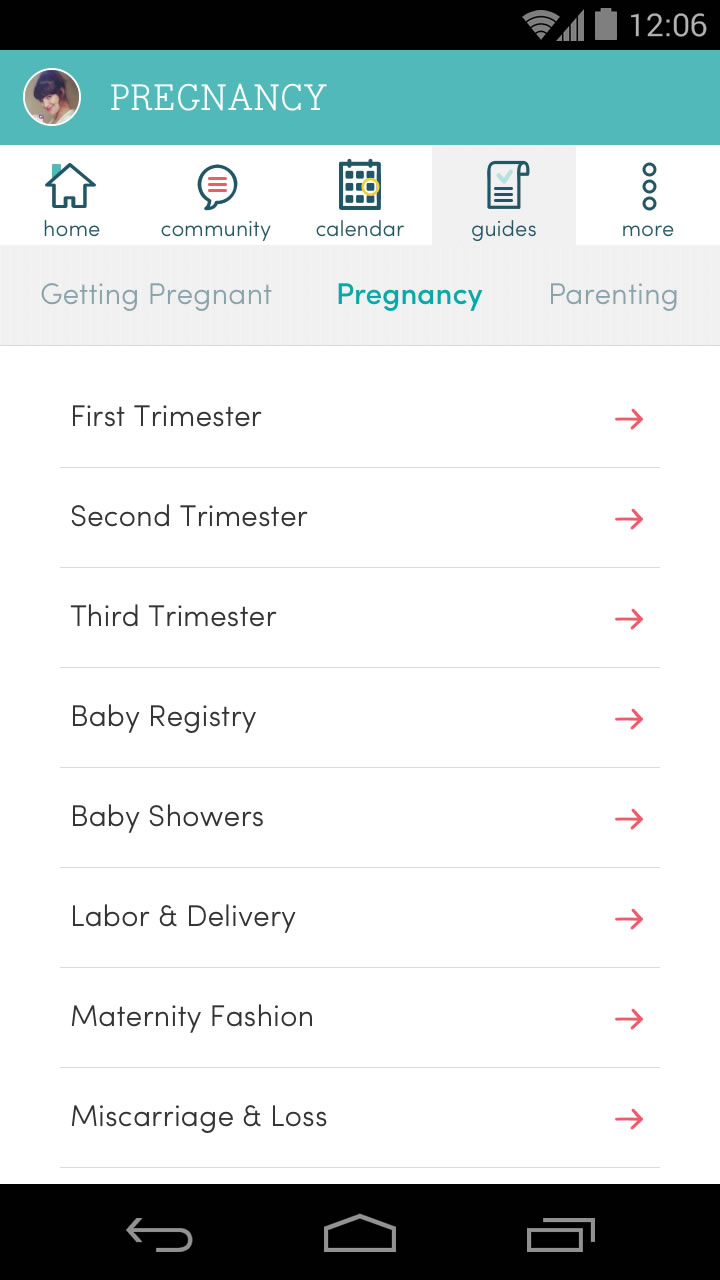
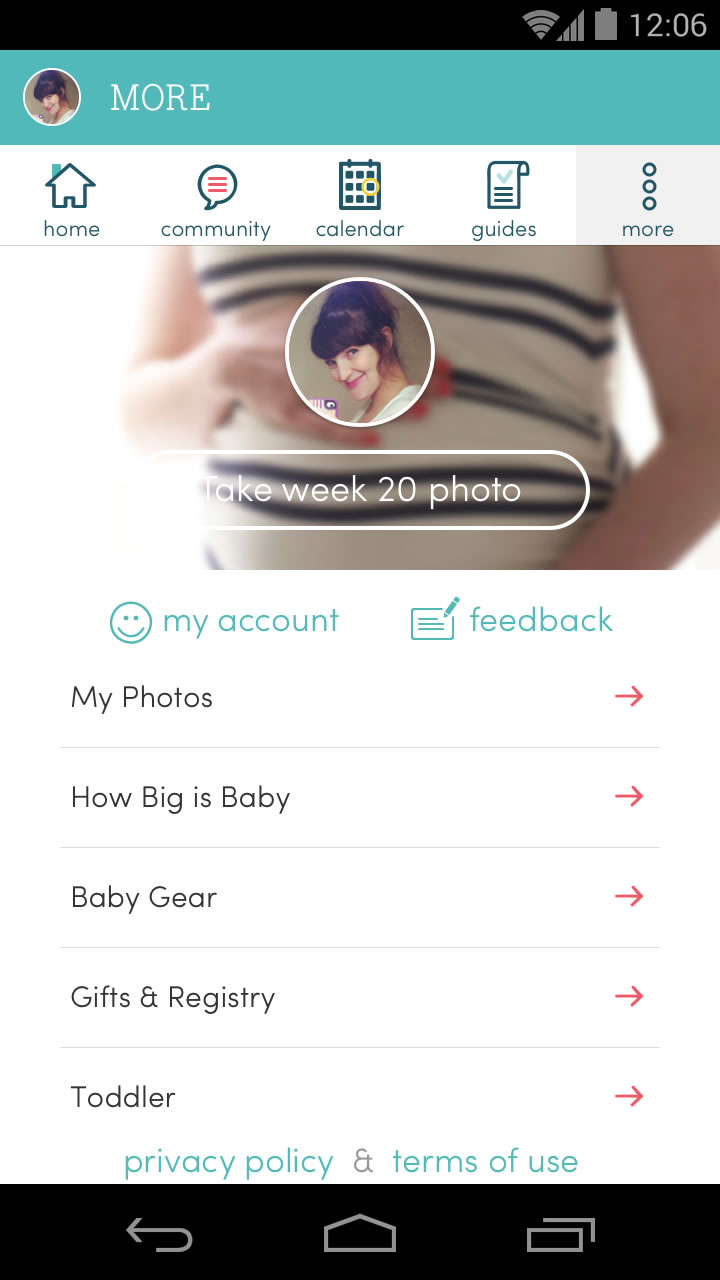
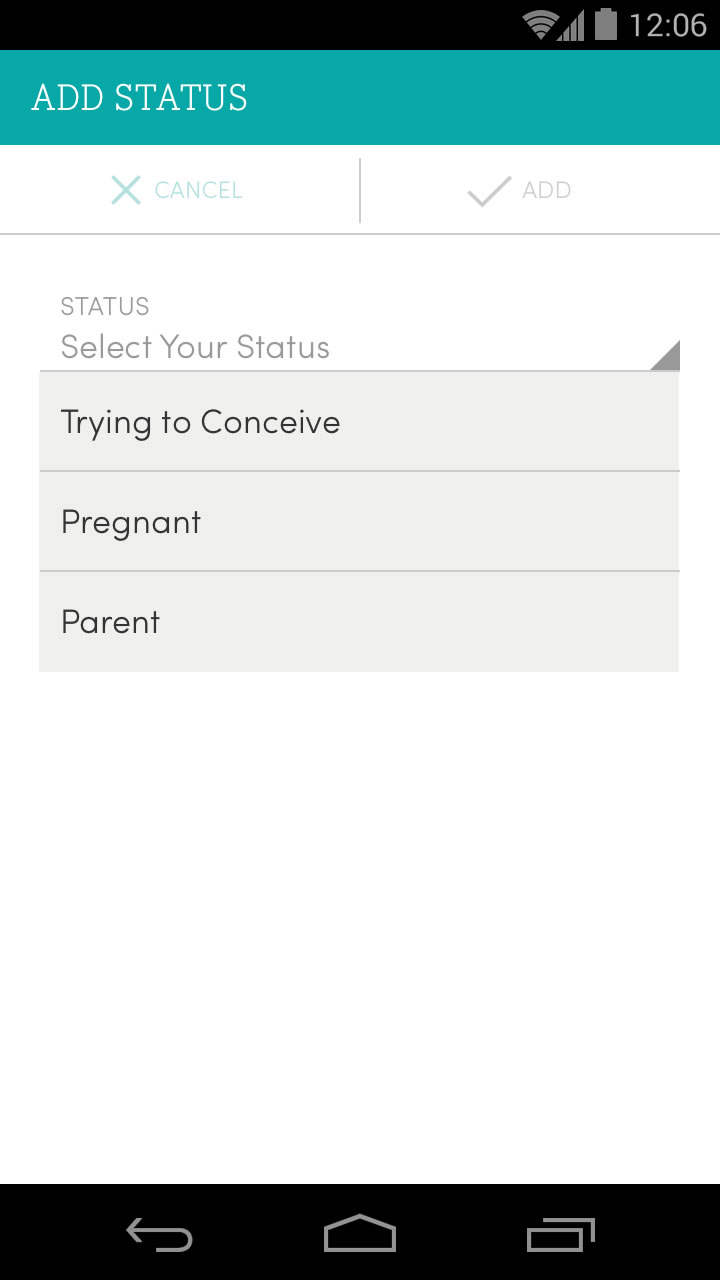
The Bump pregnancy app launched for iOS first, after which the team adapted the design into Android conventions. Discoveries made during this process informed the subsequent redesign of the website.
Here is a selection of high-fidelity wireframes for the Android app. For clarity, at this stage at my time at XO Group's The Bump, I was the UX designer, working with UI design elements created by the team's UI designer.
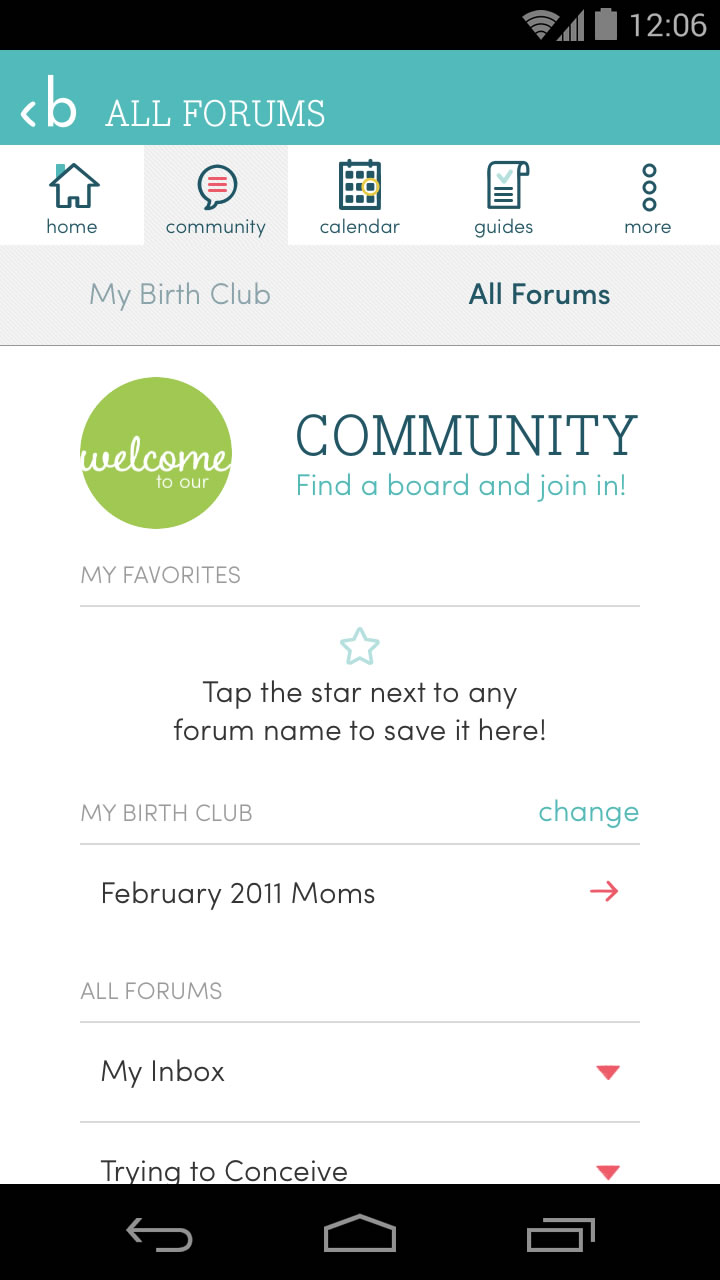
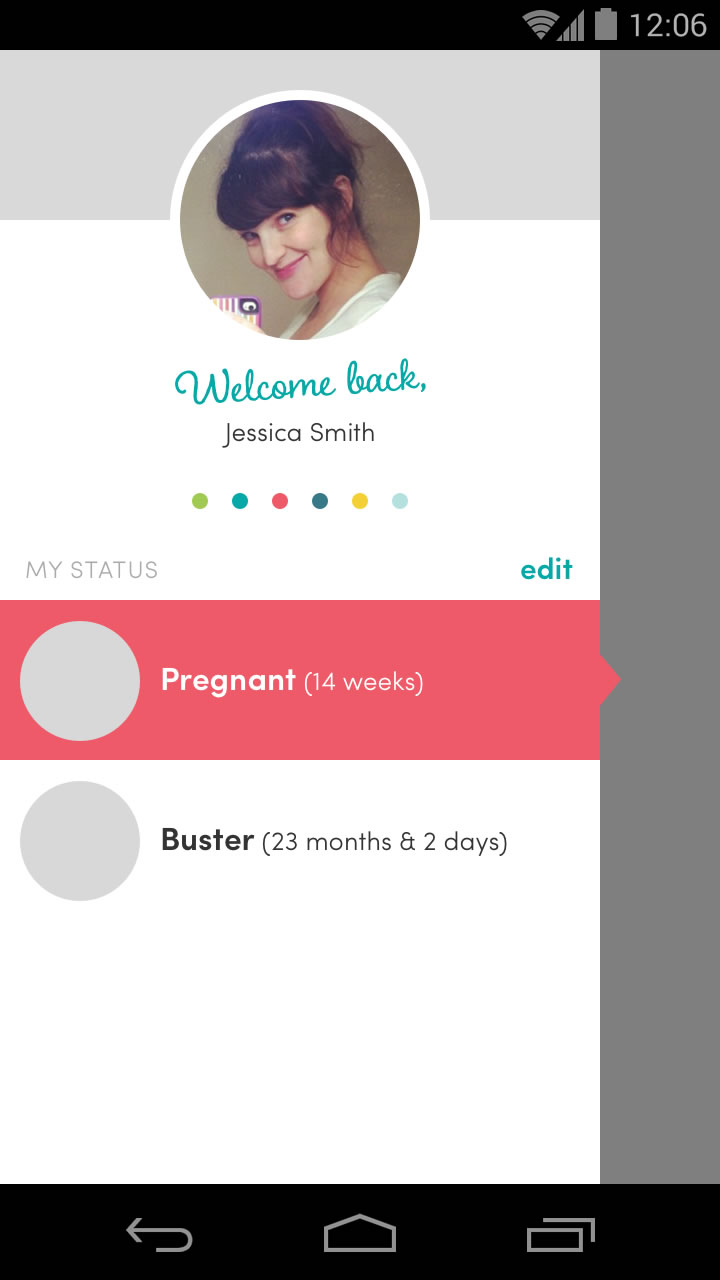
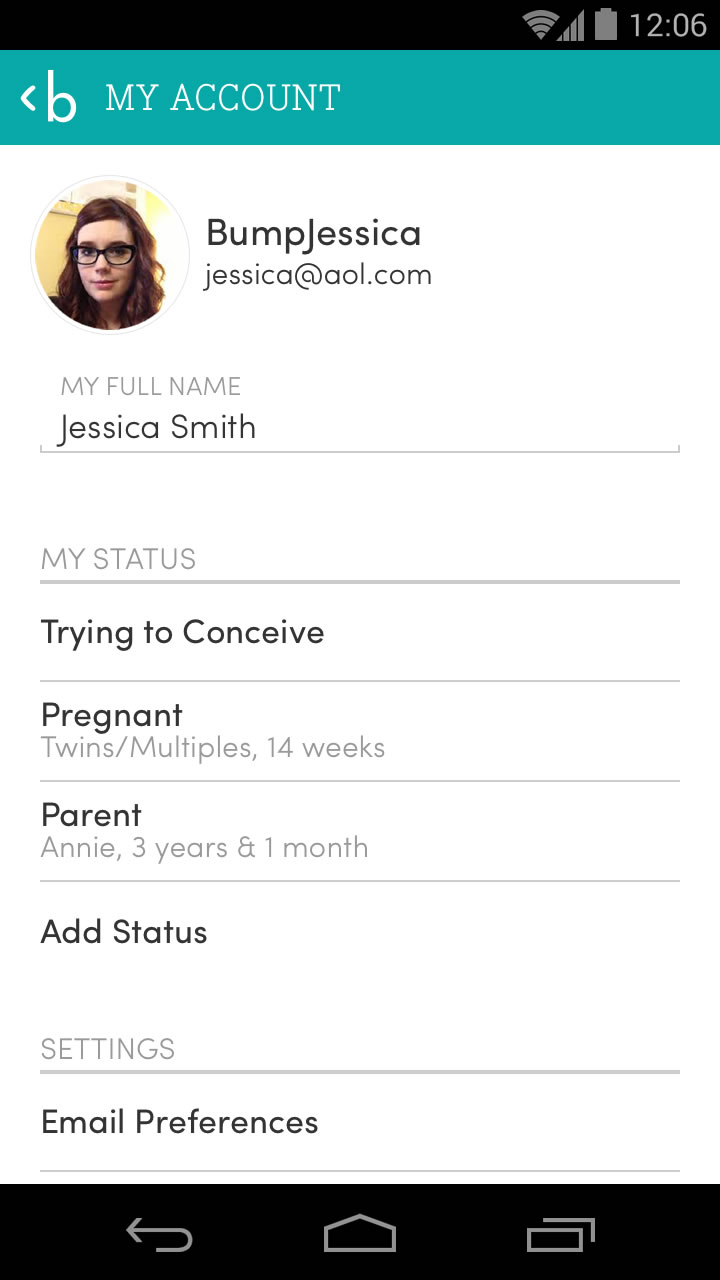
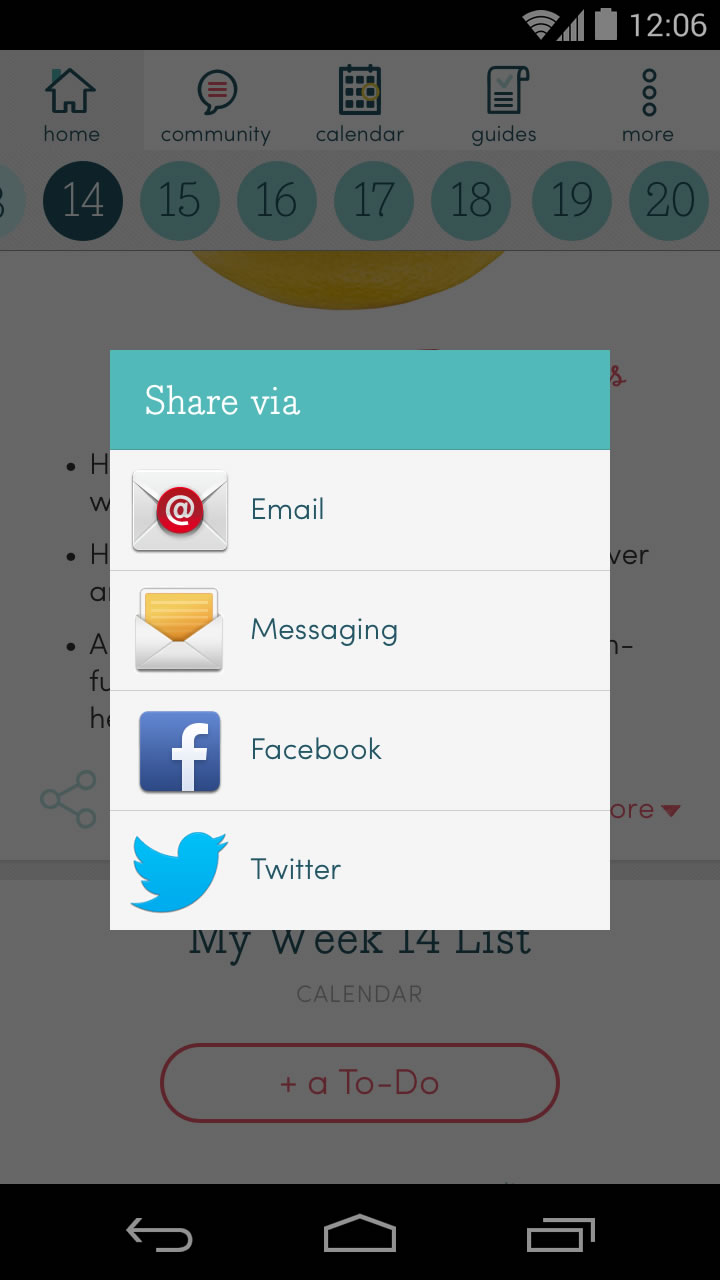
Prototypes: Feed Interaction Case Study
Below are three non-interactive animated explorations of interacting with The Bump newsfeed: opening & closing a typical article card, scrolling past a mid-body image, and opening & closing a special "This Just In" card. These prototypes built with Tumult Hype.
Prototype: First Launch Tutorial Case Study
Below is a non-interactive prototype exploring a first-launch tutorial, that would walk a new user through the basics of using the app.
Prototype: Instant Article Case Study
Interactive exploration of a Facebook/Snapchat-style instant article experience for The Bump iOS app. Click the arrows to simulate swiping on a touchscreen. Built in Tumult Hype.
Prototype: Interactions Case Study
Clickable prototype exploring interactions, transitions, and animations for a redesign of The Bump iOS app. Built in Tumult Hype.
Prototype: User Testing Case Study
An elaborate web app prototype for The Bump iOS app v4.0, created for a round of user testing. Designed to be saved as a web app to an iPhone home screen to simulate the full native app experience. Built in Tumult Hype. The raspberry graphic was one of a large set of fruit illustrations created by an outside freelance designer, which I animated for this prototype.